Liu192837465jie
 3716190576

 3716190576
menù
-
 Ricambi Smartphone
-
 APPLE
APPLE
- IPHONE 5
- IPHONE 5C
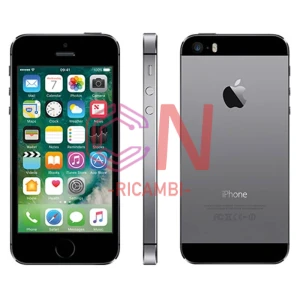
- IPHONE 5S
- IPHONE 6G
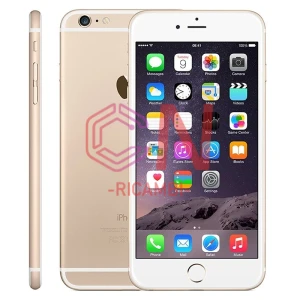
- IPHONE 6 PLUS
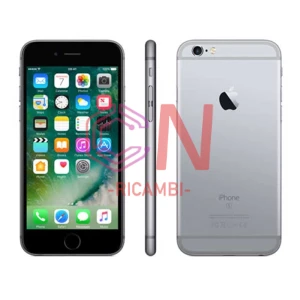
- IPHONE 6S
- IPHONE 6S PLUS
- iPhone 7G
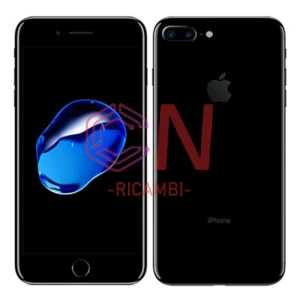
- IPHONE 7 PLUS
- IPHONE 8G
- IPHONE 8 PLUS
- IPHONE X
- IPHONE XS
- IPHONE XR
- IPHONE XS MAX
- IPHONE 11
- IPHONE 11 PRO
- IPHONE 11 PRO MAX
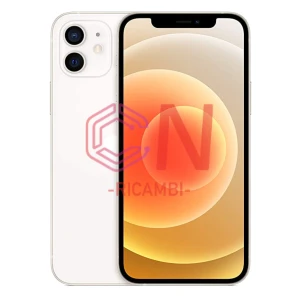
- IPHONE 12
- IPHONE 12 MINI
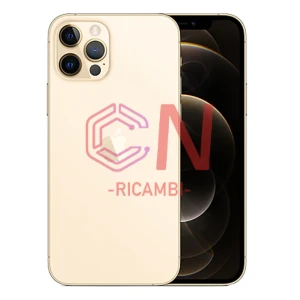
- IPHONE 12 PRO
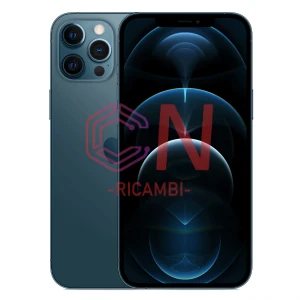
- IPHONE 12 PRO MAX
- IPHONE 13
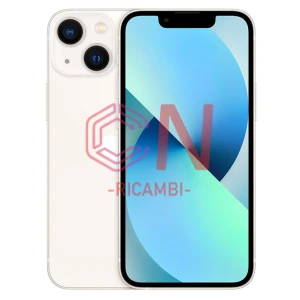
- IPHONE 13 MINI
- IPHONE 13 PRO
- IPHONE 13 PRO MAX
- IPHONE 14
- IPHONE 14 PLUS
- IPHONE 14 PRO
- IPHONE 14 PRO MAX
- IPHONE 15
- IPHONE 15 PLUS
- IPHONE 15 PRO
- IPHONE 15 PRO MAX
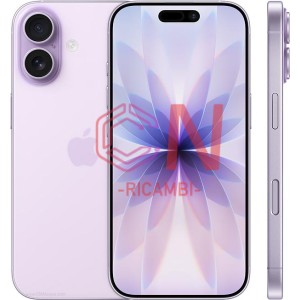
- IPHONE 16
- IPHONE 16 PLUS
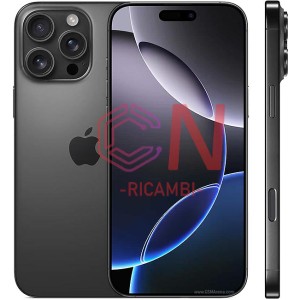
- IPHONE 16 PRO
- IPHONE 16 PRO MAX
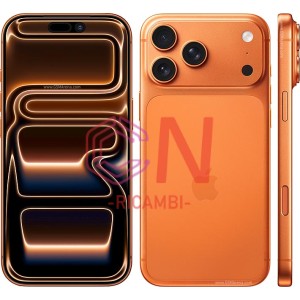
- IPHONE 17
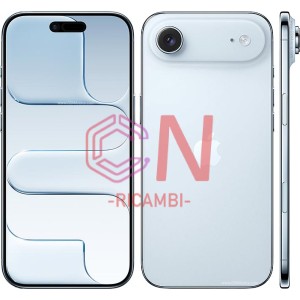
- IPHONE 17 AIR
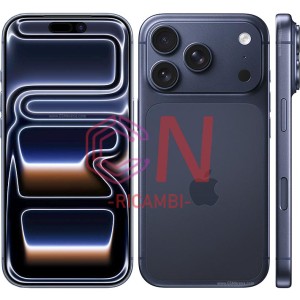
- IPHONE 17PRO
- IPHONE 17 PRO MAX
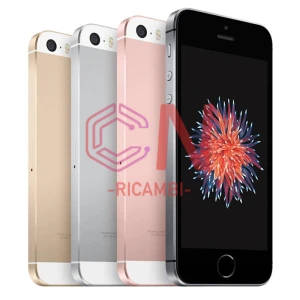
- IPHONE SE
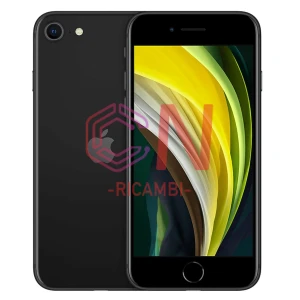
- IPHONE SE (2020)
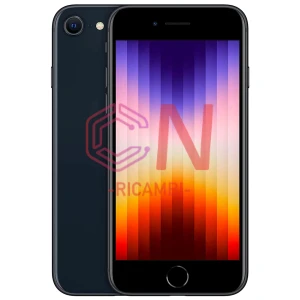
- IPHONE SE (2022)
- iPod Nano 3
- iPod Nano 4
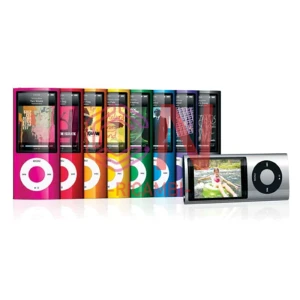
- iPod Nano 5
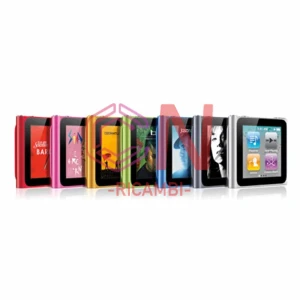
- iPod Nano 6
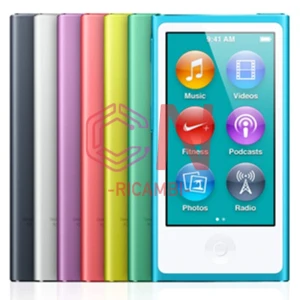
- iPod Nano 7
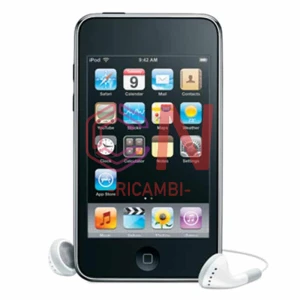
- iPod Touch 2
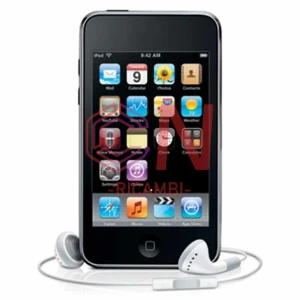
- iPod Touch 3
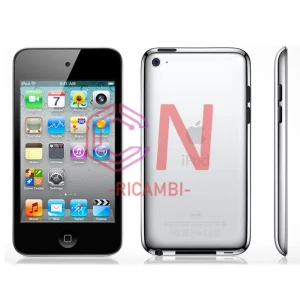
- iPod Touch 4
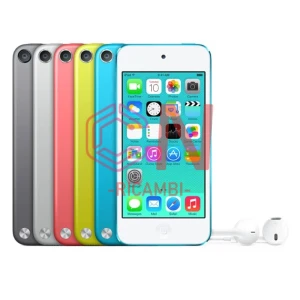
- iPod Touch 5
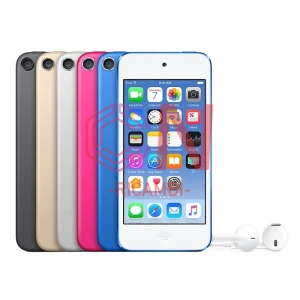
- iPod Touch 6
- iPod Video
-
 ALCATEL
- Alcatel 1L (2021)
- OT-4087U Alcatel 1SE Lite (2020)
- OT-5001D Alcatel 1V (2019)
- OT-5002 Alcatel 1A 1B (2020)
- OT-5006D Alcatel 3C (2019)
- OT-5007 alcatel 1v (2020)
- OT-5008D 5008Y Alcatel 1X (2019)
- OT-5009 alcatel 1c (2019)
- OT-5024F 5024N Alcatel 1S 2019
- OT-5025d Alcatel One Touch Pop 3
- OT-5026 Alcatel 3C
- OT-5028 Alcatel 1S 2020
- OT-5029 alcatel 3L 2020
- OT-5030D / 5030F Alcatel 1SE 2020 LTE
- OT-5031G Alcatel 1B 2022
- OT-5033D 5033X Alcatel 1 (2018)
- OT-5039 Alcatel 3L 2019
- OT-5048 alcatel 3x 2019
- OT-5061 alcatel 3x 2020
-
 BLACKVIEW
- A100
- A20
- A20 Pro
- A30
- A50
- A52
- A53
- Blackview A53 Pro
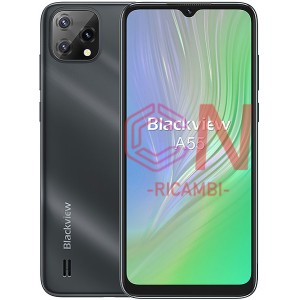
- A55 (2021)
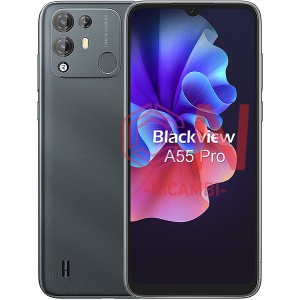
- A55 Pro (2022)
- A60 (2019)
- A60 Pro / Plus (2019)
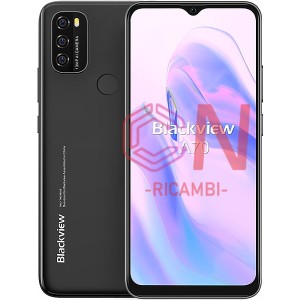
- A70 (2021)
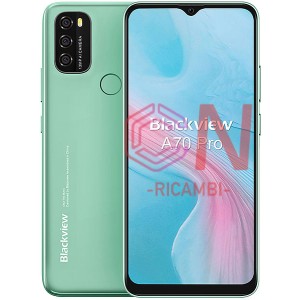
- A70 Pro (2021)
- A8 Max
- A80 (2020)
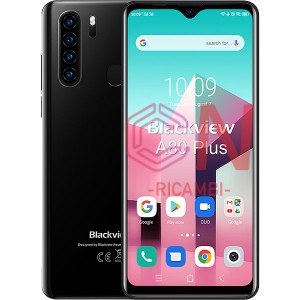
- A80 Plus (2020)
- A80 Pro (2019)
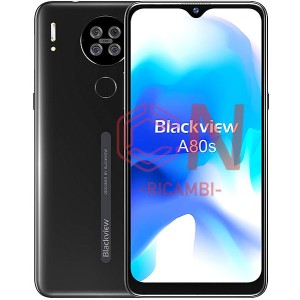
- A80s (2021)
- A85 (2022)
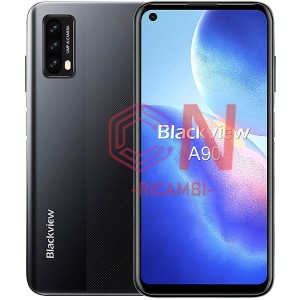
- A90 (2021)
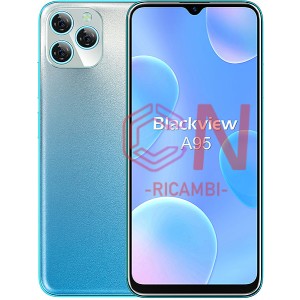
- A95 (2022)
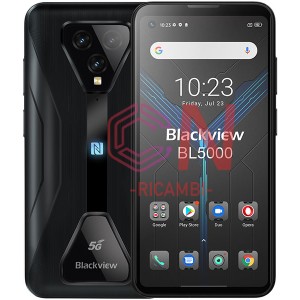
- BL5000 (2021)
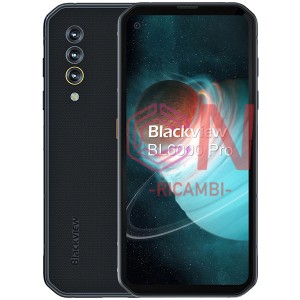
- BL6000 Pro (2020)
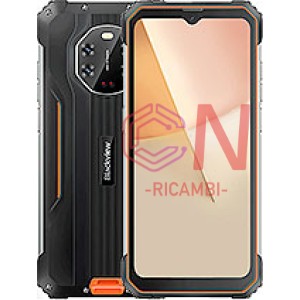
- BL8800 (2022)
- BL8800 Pro (2022)
- BV4000 (2017)
- BV4000 Pro
- BV4900 (2020)
- BV4900 Pro (2020)
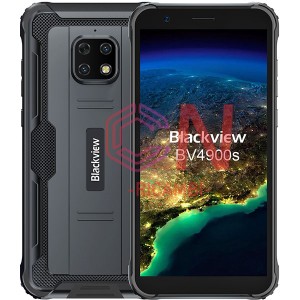
- BV4900S (2021)
- BV5100 (2020)
- BV5100 Pro (2020)
- BV5200 (2022)
- Blackview BV5200 Pro (2022)
- BV5300 (2023)
- BV5300 Pro (2023)
- BV5500 (2019)
- BV5500 Pro / Plus (2019)
- BV5800 (2018)
- BV5800 Pro (2018)
- BV5900 (2019)
- BV5900 Pro
- BV6000/BV6000S
- BV6100 (2019)
- BV6200 (2023)
- Blackview BV6200 Pro (2023)
- BV6300
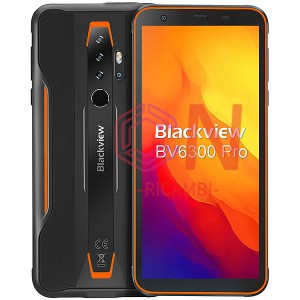
- BV6300 Pro (2020)
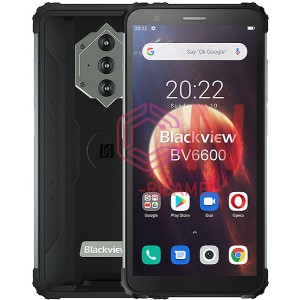
- BV6600 (2021)
- BV6600 Pro (2021)
- BV6600E (2021)
- BV6800 Pro (2018)
- BV7000 (2017)
- BV7000 Pro (2017)
- BV7100 (2022)
- BV7200 (2022)
- BV8000 Pro
- BV8800 (2022)
- BV8800 Pro (2022)
- BV9200 (2022)
- BV9300 (2023)
- BV9500
- BV9500 Pro
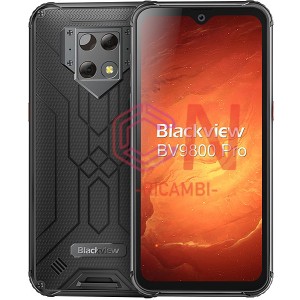
- BV9800 (2019)
- BV9900 (2020)
- BV9900 Pro (2020)
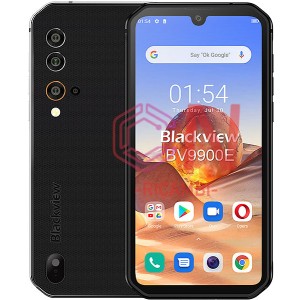
- BV9900E (2020)
- N6000 (2023)
- Oscal C60
- Oscal C80
- Oscal S60 / Pro
-
 GOOGLE
- Google Pixel (G-2PW4200) (2016)
- Google Pixel XL (G-2PW2200) (2016)
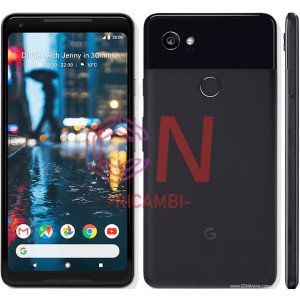
- Google Pixel 2 (G011A)
- Google Pixel 2 XL (2017)
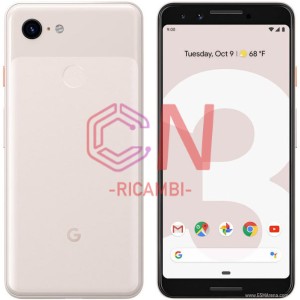
- Google Pixel 3 (2018)
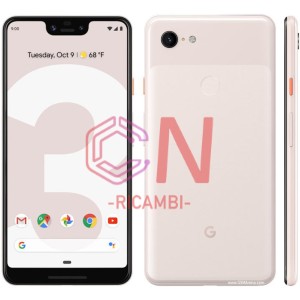
- Google Pixel 3 XL (2018)
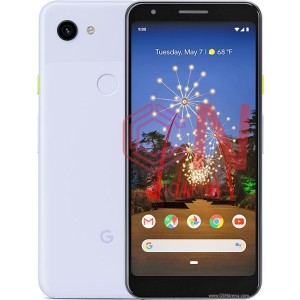
- Google Pixel 3A (2019)
- Google Pixel 3A XL (2019)
- Google Pixel 4 (2019)
- Google Pixel 4 XL (2019)
- Google Pixel 4A 4G (2020)
- Google Pixel 4A 5G (2020)
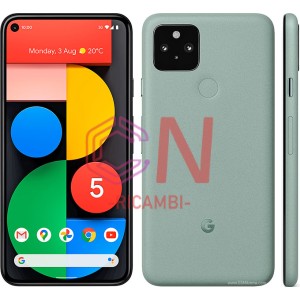
- Google Pixel 5 (2020)
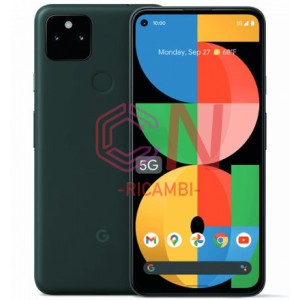
- Google Pixel 5A (2021)
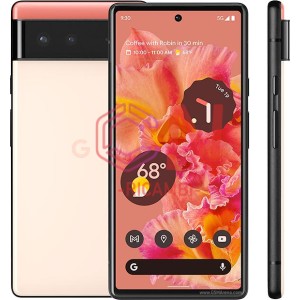
- Google Pixel 6 (2021)
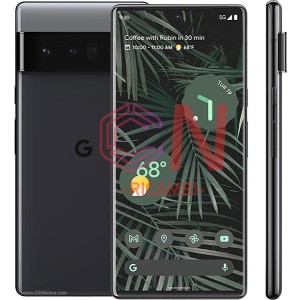
- Google Pixel 6 Pro (2021)
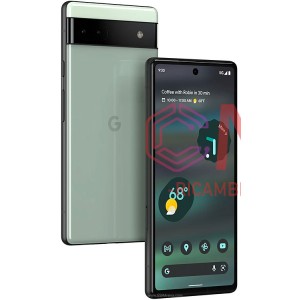
- Google Pixel 6A (2022)
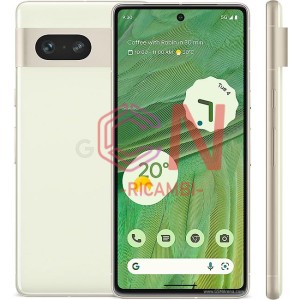
- Google Pixel 7 (2022)
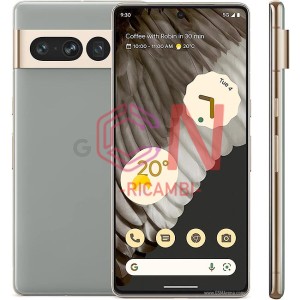
- Google Pixel 7 Pro (2022)
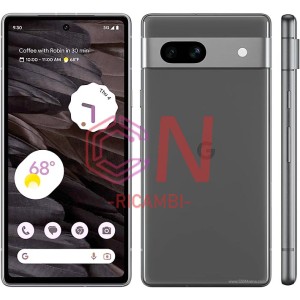
- Google Pixel 7A (2022)
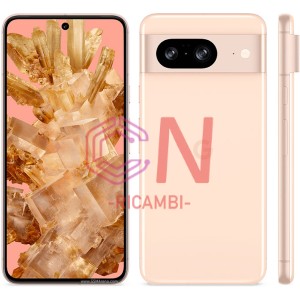
- Google Pixel 8 (2023)
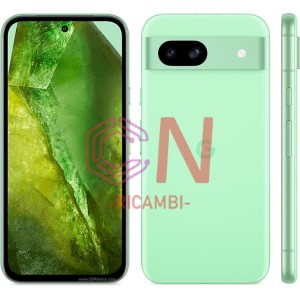
- Google Pixel 8A (2023)
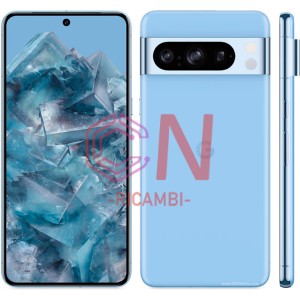
- Google Pixel 8 Pro (2023)
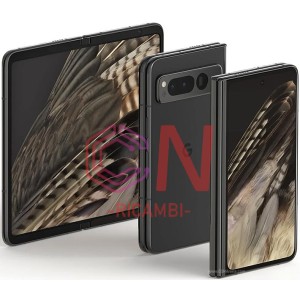
- Google Pixel Fold (2023)
-
 LG
LG
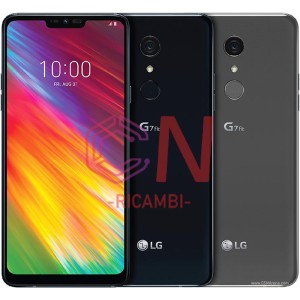
- G7 Fit LM-Q850EM (2018)
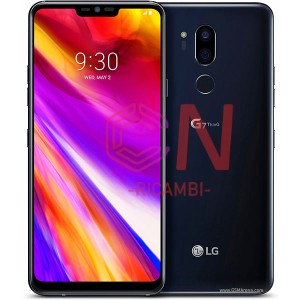
- G7 Thinq LM-G710EM (2018)
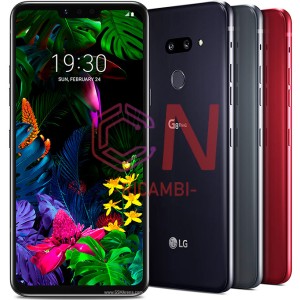
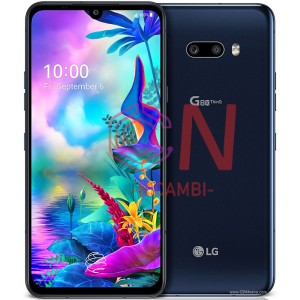
- G8 Thinq (2019)
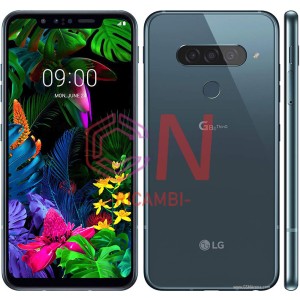
- G8s ThinQ LM-G810EAW (2019)
- G8X ThinQ LM-G850EMW (2019)
- G9 ThinQ
- H930 V30
- H930G V30 Plus
- H950 H955 G Flex 2
- H970 Q8
- H990 V20
- K100 K3
- K11 LM-X410EOW
- K120e K4
- K20 LM-X120HM
- K20 Plus MS260
- K22 LM-K220EMW
- K220 X Power
- K240 X Max
- K30 LM-X320EMW
- K350 K8
- K40 LM-X420EMW
- K40S LM-X430EMW
- K410 K420 K430 K10
- K41s K410EMW
- K42 LM-K420EMW
- K50 LM-X520EMW
- K500 X Screen
- K50S LM-X540EMW
- K51s LM-K510EMW
- K52 LM-K520EMW
- K520 Stylus 2
- K580 X Cam
- K61 LMQ630EAW
- K9 lmx210
- LG G STYLO H635 / LS770
- LG G4 H815
- LG G4C H525
- LG G5 H850
- LG G6 H870
- LG G7 / G7 THINQ G710
- LG G8S THINQ
- LG H790 H791 GOOGLE NEXUS 5X
- LG K10
- LG K10 (2017)
- LG K10 (2018)
- LG K20 (2019)
- LG K22
- LG K3 K100
- LG K30 (2019)
- LG K4
- LG K4 (2017)
- LG K40 / K12 PLUS / X4 (2019)
- LG K40S
- LG K41S
- LG K42
- LG K5 X220
- LG K50
- LG K500N
- LG K50S
- LG K51S
- LG K52
- LG K61
- LG K7 X210
- LG K71 LM-Q730
- LG K8
- LG K8 (2017)
- LG K8 (2018)
- LG K9 (2018)
- LG KE970
- LG L BELLO D331
- LG L70 D320N
- LG LEON H340
- LG NEXUS 5 D820/D821
- LG OPTIMUS 4X HD P880
- LG OPTIMUS BLACK P970
- LG OPTIMUS G E975
- LG OPTIMUS G PRO E986
- LG OPTIMUS L7 P700
- LG Q STYLUS Q710
- LG Q6 M700
- LG Q60
- LG Q7 LM-Q610
- LG STYLUS 2 K520
- LG V10 H900
- LG V30 H930
- LG V40 THINQ V405
- LG X POWER K220
- LG X POWER2 M320
- LG ZERO H650
- M160 X230 K4 2017
- M210 Aristo LV3 MS210 K8 2017
- M250N K10 2017
- M320 M322 X Power 2
- P700 Optimus L7
- P710 L7 II
- P760 Optimus L9
- P880 Optimus 4X HD
- P895 Octimus VU
- P920 Optimus 3D
- P930 P936 Nitro HD
- P970 Optimus Black
- P990 Optimus Speed
- Q Stylus LMQ710EM
- Q6 M700N
- Q60 LM-X525EAW
- Q7 LM-Q610EM
- V40 LM-V405EBW
- V50 ThinQ LM-V500EM
- V60 ThinQ LM-V600EA
-
 OnePlus
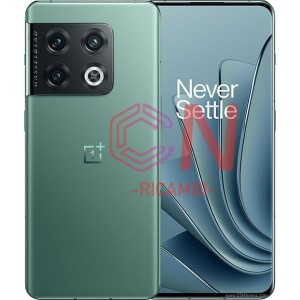
- One Plus 10 Pro 5G (2022)
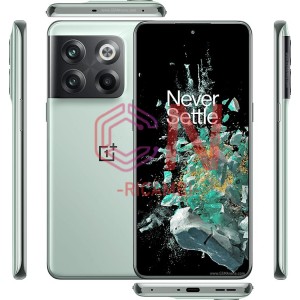
- One Plus 10T 5G (2022)
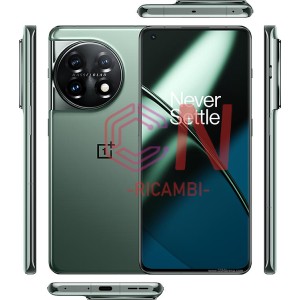
- One Plus 11 5G (2023)
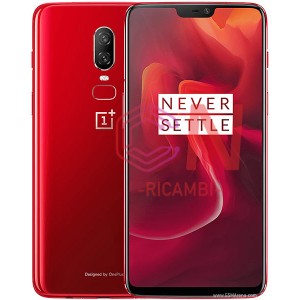
- One Plus 6 1+6 (2018)
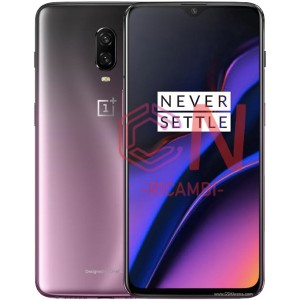
- One Plus 6T 1+6T (2018)
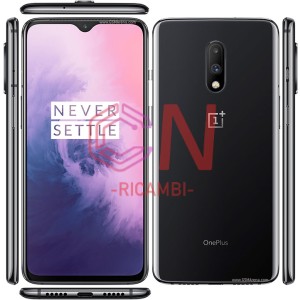
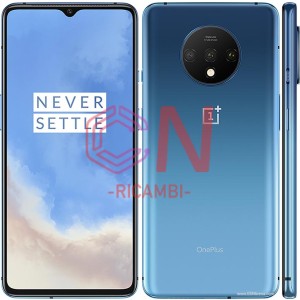
- One Plus 7 1+7 (2019)
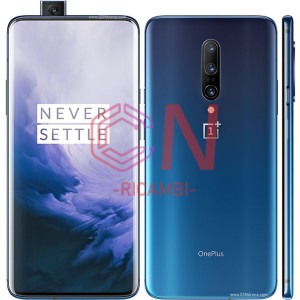
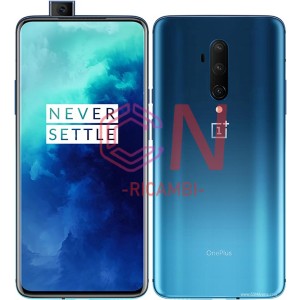
- One Plus 7 pro 1+7 Pro (2019)
- One Plus 7T 1+7T (2019)
- One Plus 7T pro 1+7T Pro (2019)
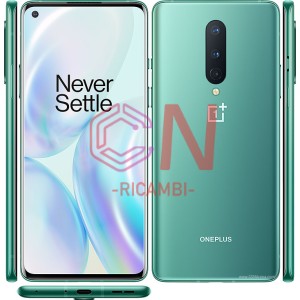
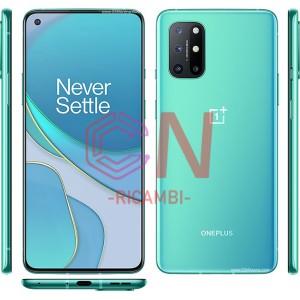
- One Plus 8 1+8 (2020)
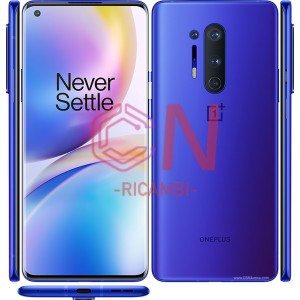
- One Plus 8 Pro 1+8 Pro (2020)
- One Plus 8T 1+8T (2020)
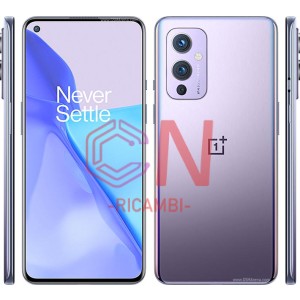
- One Plus 9 1+9 (2021)
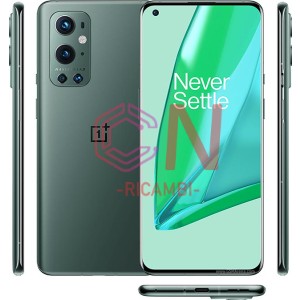
- One Plus 9 Pro 1+9 Pro (2021)
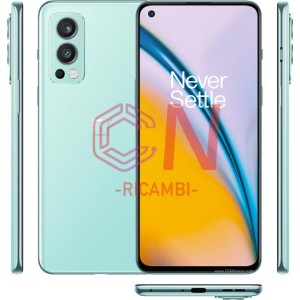
- One Plus Nord 2 5G (2021)
- One Plus Nord 2T 5G (2022)
- One Plus Nord 3 5G
- One Plus Nord 5G
- One Plus Nord CE 2 5G
- One Plus Nord CE 2 Lite 5G
- One Plus Nord CE 3 Lite 5G
- One Plus Nord CE 5G
- One Plus Nord N10 5G
- One Plus Nord N100
- One Plus 6 1+6 (2018)
- One Plus 6T 1+6T (2018)
- One Plus 7 1+7 (2019)
- One Plus 7 pro 1+7 Pro (2019)
- One Plus 7T 1+7T (2019)
- One Plus 7T pro 1+7T Pro (2019)
- One Plus 8 1+8 (2020)
- One Plus 8T 1+8T (2020)
- ONEPLUS 9R
- ONEPLUS ACE
-
 OPPO
OPPO
- Oppo A1K (2018)
- Oppo A3/F7 (2018)
- Oppo A5 / A3S(2018)
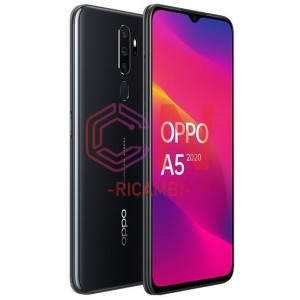
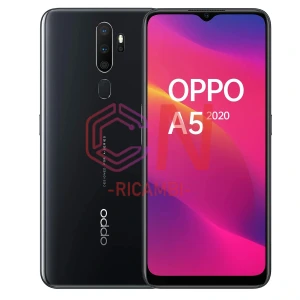
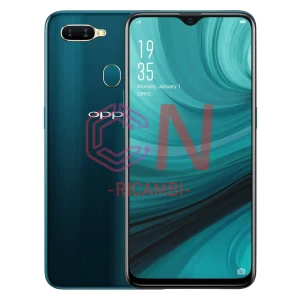
- Oppo A5/A9 (2020)
- Oppo A5/A9 (2020)
- OPPO A7/AX7(2018)
- Oppo A7X/F9(2018)
- Oppo AX7/F9(2018)
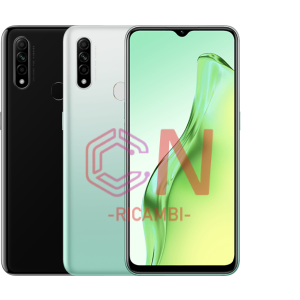
- Oppo A8(2019)
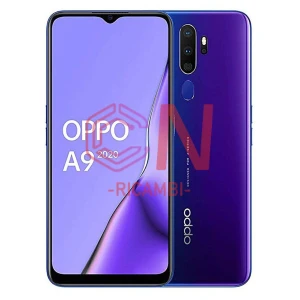
- Oppo A9 (2020)
- Oppo A9 (2020)
- Oppo A11 (2019)
- Oppo A11X (2019)
- Oppo A12 (2020)
- OPPO A15 (2020)
- Oppo A16 / A16S (2021)
- Oppo A16 / A16S (2021)
- Oppo A16 / A16S (2021)
- OPPO A17 (2022)
- OPPO A17K (2022)
- Oppo A31 (2020)
- OPPO A32 (2020)
- OPPO A33 /A53S / A53 (2020)
- Oppo A37 (2016)
- Oppo A38 (2023)
- Oppo A51 (2015)
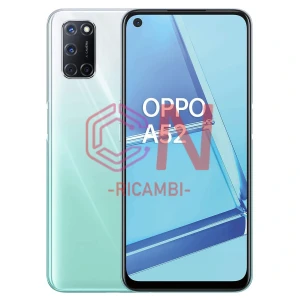
- Oppo A52 (2020)
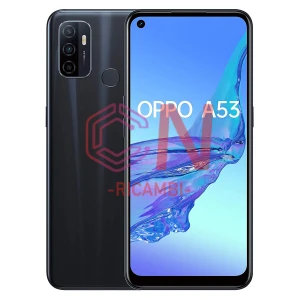
- OPPO A53 (2020)
- Oppo A53 5G (2020)
- OPPO A53 5G (2020)
- Oppo A53S (2020)
- OPPO A54 (2021)
- Oppo A54 5G (2021)
- OPPO A54s (2021)
- Oppo A55 4G (2021)
- OPPO A55 5G (2021)
- Oppo A56 5G (2021)
- OPPO A57 (2022)
- OPPO A57 5G (2022)
- OPPO A57s 4G (2022)
- OPPO A57s 5G (2022)
- Oppo A58 (2023)
- OPPO A58 5G (2022)
- OPPO A59 (2016)
- OPPO A72 (2020)
- Oppo A72 5G (2020)
- Oppo A73 4G (2020)
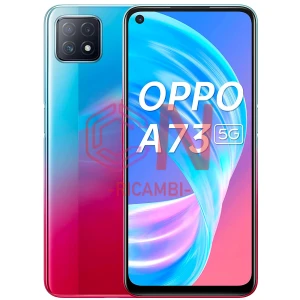
- Oppo A73 5G (2020)
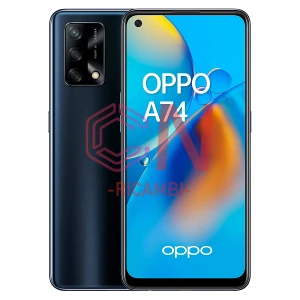
- OPPO A74 (2021)
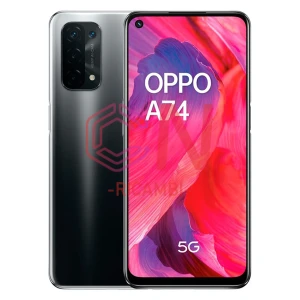
- Oppo A74 5G (2021)
- OPPO A76 (2022)
- OPPO A77 (2022)
- Oppo A77 4G (2022)
- OPPO A78 5G (2023)
- OPPO A78 4G(2023)
- Oppo A79 5G (2023)
- Oppo A83 (2017)
- Oppo A91 (2019)
- OPPO A92 (2020)
- OPPO A92s (2020)
- OPPO A94 (2021)
- Oppo A94 5G (2021)
- Oppo A96 (2022)
- OPPO A97 5G (2022)
- Oppo A98 5G (2023)
- Oppo F11 Pro (2019)
- Oppo F19/F19 PRO (2021)
- Oppo F19 Pro Plus (2021)
- Oppo F21 Pro (2022)
- Oppo Find N2 Flip 5G (2022)
- Oppo Find X (2018)
- OPPO FIND X2 (2020)
- Oppo Find X2 lite (2020)
- OPPO FIND X2 NEO (2020)
- Oppo Find X2 Pro (2020)
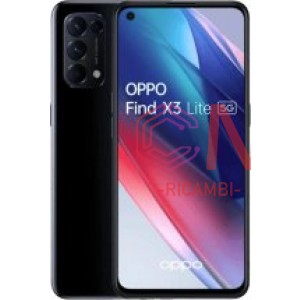
- OPPO FIND X3 LITE (2021)
- OPPO FIND X3 LITE (2021)
- Oppo Find X3 Neo (2021)
- OPPO FIND X3 PRO (2021)
- Oppo Find X5 (2022)
- OPPO FIND X5 Lite (2022)
- Oppo Find X5 Pro (2022)
- Oppo K1 (2018)
- OPPO K3 (2019)
- OPPO K5 (2019)
- OPPO R7 PLUS (2015)
- Oppo R9 Plus (2016)
- Oppo R11 (2017)
- Oppo R11s (2017)
- Oppo R15 (2018)
- Oppo R15 Pro (2018)
- Oppo R17 (2018)
- Oppo R17 Pro (2018)
- Oppo Reno (2019)
- Oppo Reno 5G (2019)
- Oppo Reno Z (2019)
- Oppo Reno 2 (2019)
- Oppo Reno 2Z (2019)
- Oppo Reno3 Pro (2020)
- Oppo Reno 4 5G (2020)
- Oppo Reno 4 Lite (2020)
- Oppo Reno 4 Pro 5G (2020)
- Oppo Reno 4 SE (2020)
- OPPO RENO 4 Z 5G (2020)
- OPPO RENO 4 Z 5G (2020)
- Oppo Reno 5 5G (2020)
- Oppo Reno 5 F (2021)
- Oppo Reno 5 lite (2021)
- Oppo Reno 5 Pro 5G (2020)
- Oppo Reno 5 Z (2021)
- Oppo Reno 6 4G (2021)
- Oppo Reno 6 5G (2021)
- Oppo Reno 6 5G (2021)
- Oppo Reno 6 lite (2022)
- Oppo Reno 6 Pro 5G (2021)
- Oppo Reno 6 Pro Plus 5G (2021)
- Oppo Reno 7 4G (2022)
- Oppo Reno 7 5G (2022)
- OPPO Reno 7 Lite (2022)
- Oppo Reno 7 SE (2022)
- OPPO Reno 7z 5G (2022)
- Oppo Reno 8 4G (2022)
- Oppo Reno 8 5G (2022)
- Oppo Reno 8 5G (2022)
- Oppo Reno 8 Lite 5G (2022)
- Oppo Reno 8 Lite 5G (2022)
- Oppo Reno 8 Pro 5G (2022)
- Oppo Reno 8 Pro 5G (2022)
- Oppo Reno8 Pro+ (2022)
- Oppo Reno 8 SE (2022)
- Oppo Reno 8T 4G (2023)
- Oppo Reno 8T 5G (2023)
- OPPO RENO 10 5G (2023)
- OPPO RENO 10 5G (2023)
- OPPO Reno 10 Pro 5G (2023)
- OPPO Reno 10X Zoom (2019)
- OPPO RX17 Pro (2018)
- OPPO RX17 Neo (2018)
-
 REALME
- Realme 3 (2019)
- Realme 3 Pro (2019)
- Realme 5 (2019)
- Realme 5 Pro(2019)
- REALME 5I (2020)
- Realme 5S (2019)
- REALME 6 (2020)
- Realme 6 Pro (2020)
- Realme 6I (2020)
- Realme 6S (2020)
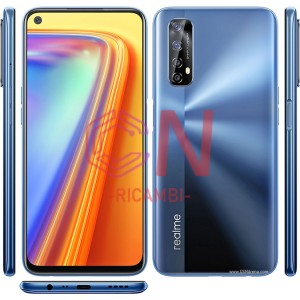
- REALME 7 (GLOBAL)(2020)
- Realme 7 4G (2020)
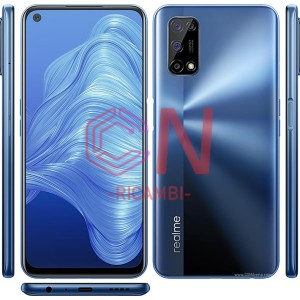
- Realme 7 5G (2020)
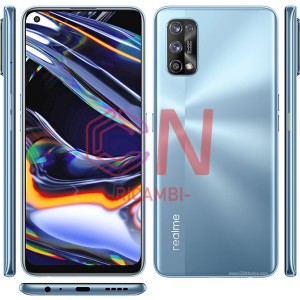
- REALME 7 PRO (2020)
- Realme 7I (2020)
- REALME 7I (GLOBAL)(2020)
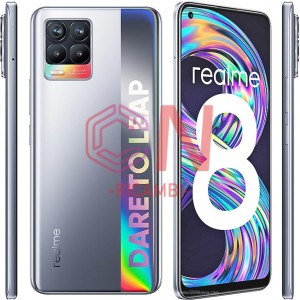
- REALME 8 4G(2021)
- Realme 8 5G(2021)
- REALME 8 PRO(2021)
- Realme 8i(2021)
- Realme 8S(2021)
- Realme 9 4G(2022)
- REALME 9 5G
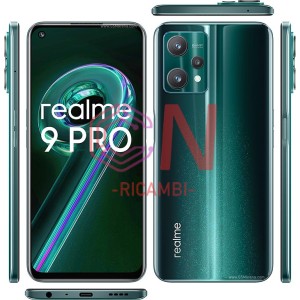
- REALME 9 PRO(2022)
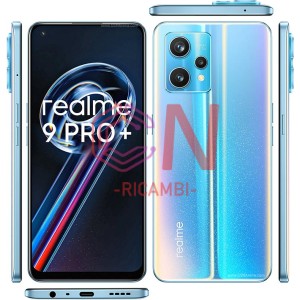
- Realme 9 Pro + Plus(2022)
- Realme 9 Pro 5G(2022)
- Realme 9 Pro + Plus(2022)
- Realme 9i 4G(2022)
- Realme 9i 4G(2022)
- Realme 9i 5G(2022)
- Realme 10 4G(2022)
- Realme 10 4G(2022)
- Realme 10 5G(2022)
- Realme 11 Pro 5G
- Realme 11 Pro 5G
- Realme 11 Pro+ 5G(2023)
- Realme 11 Pro+ 5G(2023)
- REALME C11 (2021)
- Realme C11(2020)
- Realme C11(2021)
- Realme C2(2019)
- Realme C20(2021)
- REALME C21(2021)
- Realme C21Y(2021)
- Realme C25(2021)
- Realme C25Y(2021)
- REALME C3(2020)
- Realme C30(2022)
- REALME C31(2022)
- Realme C33(2022)
- REALME C35(2022)
- Realme C51(2023)
- Realme C53 5G(2023)
- Realme C53 5G(2023)
- Realme C55(2023)
- Realme GT 2(2022)
- Realme GT 2 Pro(2022)
- Realme GT 5G(2023)
- REALME GT MASTER(2021)
- Realme GT Master Edition
- Realme GT Neo
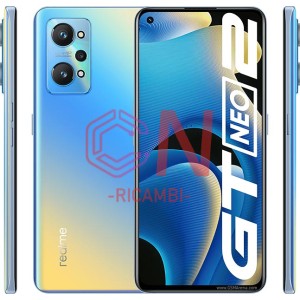
- Realme GT Neo 2 5G(2021)
- Realme GT Neo 2 5G(2021)
- REALME GT NEO 3
- Realme GT Neo 3 150W
- Realme GT Neo 3 80W
- Realme GT Neo 3T
- REALME GT2
- REALME GT2 PRO
- Realme Narzo 20
- Realme Narzo 30 5G
- Realme Narzo 30A
- Realme Narzo 50 4G
- Realme Narzo 50 5G
- REALME NARZO 50A
- Realme Narzo 50A Prime
- Realme Narzo 50i Prime
- Realme Q2
- Realme U1
- Realme V15
- REALME V15 5G
- Realme X
- Realme X Lite
- Realme X2
- Realme X2 Pro
- Realme X3 Super Zoom
- Realme X50 5G
- Realme X50 Pro 5G
- Realme x7
- Realme X7 Pro
- Realme XT
-
 TCL
TCL
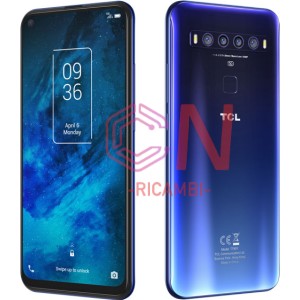
- TCL 10 5G (2020)
- TCL 10 5G T790 (2020)
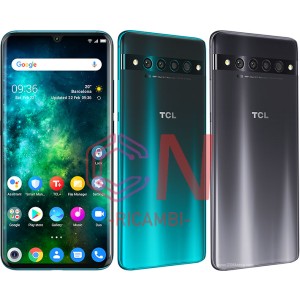
- TCL 10 Plus (2020)
- TCL 10 PRO (2020)
- TCL 10 PRO (2020)
- TCL 10 SE (2020)
- TCL 10L (2020)
- TCL 10L (2020)
- TCL 20 5G (2020)
- TCL 20 5G (2020)
- TCL 20 Pro 5G (2021)
- TCL 20 R 5G (2021)
- TCL 20 R 5G (2021)
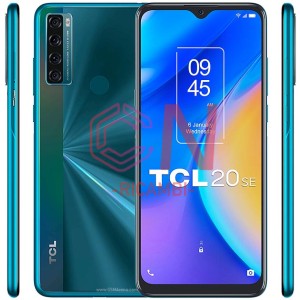
- TCL 20 SE (2021)
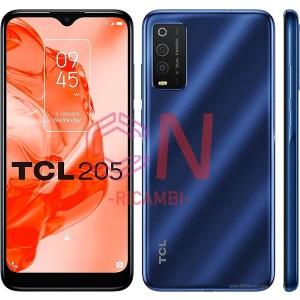
- TCL 205 (2021)
- TCL 205 (2021)
- TCL 20L (2021)
- TCL 20L+ (2021)
- TCL 20Y (2021)
- TCL 30 4G (2021)
- TCL 30 5G (2022)
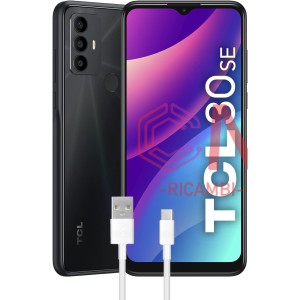
- TCL 30 SE (2022)
- TCL 30+ (2022)
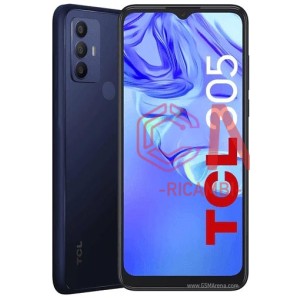
- TCL 305 (2022)
- TCL 305 (2022)
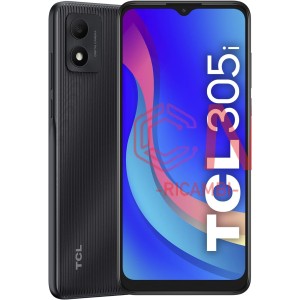
- TCL 305i (2022)
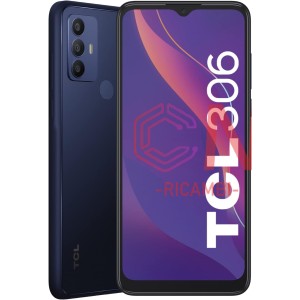
- TCL 306
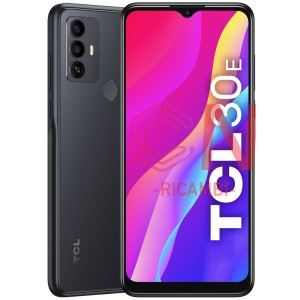
- TCL 30E
- TCL 30E
- TCL 30SE
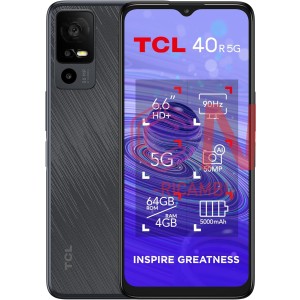
- TCL 40 R 5G (2023)
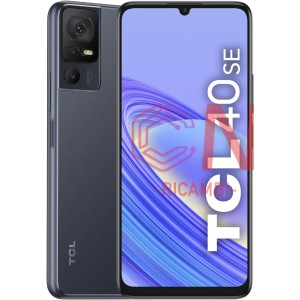
- TCL 40 SE (2023)
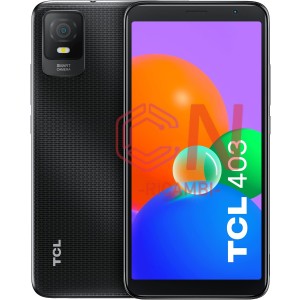
- TCL 403
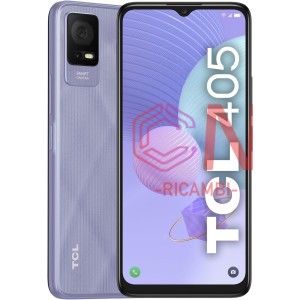
- TCL 405
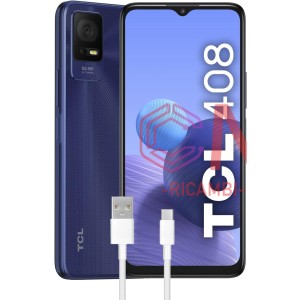
- TCL 408
- TCL 40 R 5G (2023)
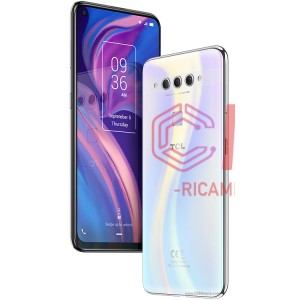
- TCL PLEX (2019)
- TCL PLEX (2019)
-
 VIVO
VIVO
-
 VODAFONE
- Coolpad 8860U
- VDF510 Smart E8 2017
- VDF520 Smart E9
- VDF600 Smart Prime 7
- VDF610 Smart N8
- VDF620 Smart N9 Lite
- VDF630 Smart N10
- VDF700 Smart Ultra 7
- VDF710 Smart V8
- VDF720 Smart N9
- VDF730 Smart V10
- VDF795 Smart Speed 6
- VDF890 Smart 4 Turbo
- VDF895 Smart Prime 6
- VDF985 Smart 4 power
- VDF995N Smart Ultra 6
-
 WIKO
WIKO
- WIKO LENNY 5
- WIKO LENNY S5200
- WIKO POWER U20
- WIKO PULP
- WIKO ROBBY
- WIKO ROBBY 2
- WIKO SLIDE / SLIDE 2
- WIKO STAIRWAY
- WIKO SUNNY 2
- WIKO SUNNY 3
- WIKO SUNNY 3 MINI
- WIKO SUNNY 3 PLUS
- WIKO SUNSET / SUNSET 2
- WIKO U-FEEL FAB
- WIKO U-FEEL GO
- WIKO VIEW
- WIKO VIEW 2 GO
- WIKO VIEW 3
- WIKO VIEW 3 PRO
- WIKO VIEW 4 LITE
- WIKO VIEW 5 PLUS
- WIKO VIEW MAX
- WIKO VIEW XL
- WIKO Y61
- WIKO Y81
-
 BLACKBERRY
-
 HUAWEI
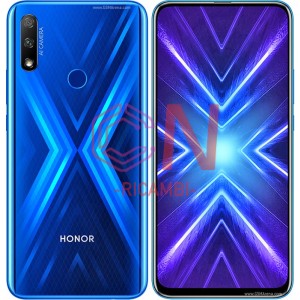
- Honor 9X (2019)
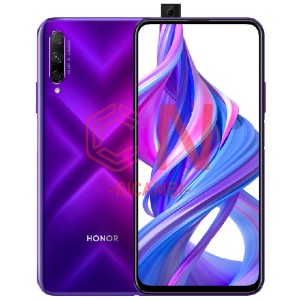
- Honor 9X PRO (2019)
- Honor 9X LITE (2020)
- Honor 9I / Honor 9N (2018)
- Honor 9A (2020)
- Honor 9A (2020)
- Honor 10 (2018)
- Honor 10 lite (2018)
- Honor 20 lite (2019)
- Honor 20 Pro (2019)
- Honor 20 (2019)
- Honor 20E (2020)
- Honor 20i (2019)
- Honor 30 (2020)
- Honor 50 5G (2021)
- Honor 50 Lite (2021)
- Honor 50 Pro (2021)
- Honor 50 SE (2021)
- Honor 70 5G (2022)
- Honor 70 Lite (2023)
- Honor 90 5G (2023)
- Honor 90 Lite (2023)
- Honor 9X Lite (2020)
- Honor 9X Pro (2019)
- Honor 9X (2019)
- Honor Magic 4 Lite 4G (2022)
- Honor Magic 4 Lite 5G (2022)
- Honor Magic 4 Pro (2022)
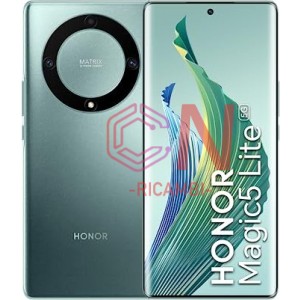
- Honor Magic 5 Lite 5G (2023)
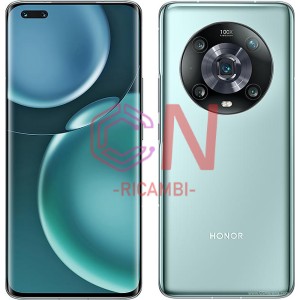
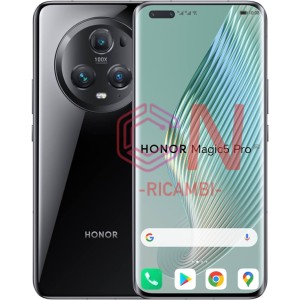
- Honor Magic 5 Pro 5G (2023)
- Honor Magic V
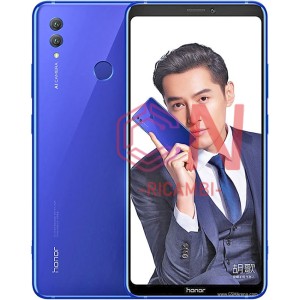
- Honor Note 10 (2018)
- Honor play COR-L29
- Honor V8
- Honor V9 play JMM-AL00
- Honor view 10 (2018)
- Honor view 10 lite (2018)
- Honor view 20 (2018)
- Honor X30 5G (2021)
- Honor X30i (2021)
- Honor X40 5G (2022)
- Honor X40i (2022)
- Honor X5 (2023)
- Honor X5 Plus (2023)
- Honor X50 5G (2023)
- Honor X50i 5G (2023)
- Honor X6 (2022)
- Honor X6A (2023)
- Honor X7 (2022)
- Honor X7A (2023)
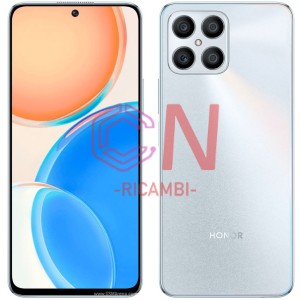
- Honor X8 5G (2022)
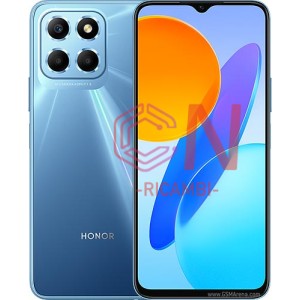
- Honor X8 4G (2022)
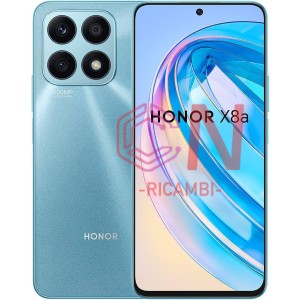
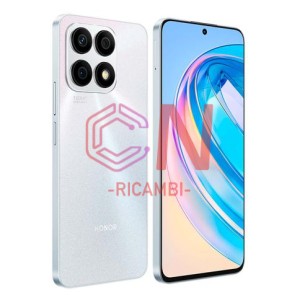
- Honor X8A
- Honor X8A 5G (2023)
- Honor X9 4G
- Honor X9 5G (2022)
- Honor X9A (2023)
- HUAWEI ENJOY 10 PLUS
- HUAWEI ENJOY 20
- HUAWEI ENJOY 5S / P8 LITE SMART
- HUAWEI ENJOY 6
- HUAWEI ENJOY 6S / NOVA SMART / HONOR 6C
- HUAWEI ENJOY 7 / P9 LITE MINI / Y6 PRO (2017)
- HUAWEI ENJOY 7 PLUS / Y7 PRIME
- HUAWEI ENJOY 8 / HONOR 7C / Y7 (2018) / NOVA 2 LITE
- HUAWEI ENJOY 8 PLUS / Y9 (2018)
- HUAWEI ENJOY 9
- HUAWEI ENJOY 9 PLUS / Y9 (2019)
- HUAWEI ENJOY Z 5G
- Honor 10 (2018)
- Honor 10 lite (2018)
- HUAWEI HONOR 10X LITE
- Honor 20 (2019)
- Honor 20 lite (2019)
- Honor 20 Pro (2019)
- HUAWEI HONOR 30S
- Honor 50 5G (2021)
- Honor 50 Lite (2021)
- Honor 50 SE (2021)
- Honor 70 5G (2022)
- Honor 70 Lite (2023)
- Honor 90 5G (2023)
- HUAWEI HONOR MAGIC 4 LITE
- HUAWEI HONOR MAGIC 4 PRO
- HUAWEI HONOR MAGIC 5 LITE 5G
- HUAWEI HONOR MAGIC 5 PRO
- HUAWEI HONOR NOTE 8 / HONOR V8 MAX
- HUAWEI HONOR PLAY
- HUAWEI HONOR PLAY 3
- HUAWEI HONOR PLAY 4
- HUAWEI HONOR PLAY 7 / Y5 PRIME (2018)
- HUAWEI HONOR PLAY 8A
- HUAWEI HONOR PLAY 9A
- HUAWEI HONOR V10 / HONOR VIEW 10
- HUAWEI HONOR V20 / HONOR VIEW 20
- HUAWEI HONOR V30 / HONOR VIEW 30
- HUAWEI HONOR V8
- HUAWEI HONOR X10 5G
- HUAWEI HONOR X10 MAX 5G
- HUAWEI HONOR X6
- HUAWEI HONOR X6A
- HUAWEI HONOR X7
- HUAWEI HONOR X7A
- HUAWEI HONOR X8
- HUAWEI HONOR X8 5G
- HUAWEI HONOR X8A
- HUAWEI HONOR X9
- HUAWEI MATE 10
- HUAWEI MATE 10 LITE / MAIMANG 6
- HUAWEI MATE 10 PRO
- HUAWEI MATE 20
- HUAWEI MATE 20 LITE / MAIMANG 7
- HUAWEI MATE 20 PRO
- HUAWEI MATE 20 X
- HUAWEI MATE 20 X (5G)
- HUAWEI MATE 30
- HUAWEI MATE 30 LITE
- HUAWEI MATE 30 PRO
- HUAWEI MATE 40 PRO
- HUAWEI MATE 8
- HUAWEI MATE 9
- HUAWEI MATE 9 PRO
- HUAWEI MATE RS PORSCHE DESIGN
- HUAWEI MATE S
- HUAWEI P SMART (2019)
- HUAWEI P SMART (2020)
- HUAWEI P SMART (2021)
- HUAWEI P SMART / ENJOY 7S
- HUAWEI P SMART PRO (2019)
- HUAWEI P SMART S
- HUAWEI P SMART Z / Y9 PRIME (2019)
- HUAWEI P SMART+ (2019)
- HUAWEI P10
- HUAWEI P10 LITE
- HUAWEI P10 PLUS
- HUAWEI P20
- HUAWEI P20 LITE / NOVA 3E
- HUAWEI P20 PRO
- HUAWEI P30
- HUAWEI P30 LITE
- HUAWEI P30 LITE NEW EDITION / P30 LITE (2020)
- HUAWEI P30 PRO
- HUAWEI P30 PRO NEW EDITION / P30 PRO (2020)
- HUAWEI P40
- HUAWEI P40 LITE
- HUAWEI P40 LITE 5G
- HUAWEI P40 LITE E / ENJOY 10
- HUAWEI P40 PRO
- HUAWEI P40 PRO+
- HUAWEI Y7 (2019)
- HUAWEI Y7 PRIME (2019)
- HUAWEI Y7 PRO (2019)
- Mate 10 ALP-L29
- Mate 10 Lite RNE-L21
- Mate 10 Pro BLA-L09
- Mate 10 Pro Porsche Design
- Mate 2 MT2-L00
- Mate 20 HMA-L09
- Mate 20 Lite SNE-LX1
- Mate 20 Pro LYA-L29 LYA-L09
- Mate 20 RS Porsche Design(LYA-L29)
- Mate 20 X 4G EVR-L29
- Mate 20 X 5G EVR-N29
- Mate 30
- Mate 30 lite
- Mate 30 Pro
- Mate 40
- Mate 40 Pro 4G
- Mate 50
- Mate 50 Pro 4G
- Mate 7 MT7-L09
- Mate 8 NXT-L29
- Mate 9 Lite
- Mate 9 MHA-L09 L29
- Mate 9 Pro LON-L29
- Mate RS 2018 NEO-L29D
- Mate S QISCRR-L09
- Mate X 3
- Mate Xs 2
- Nexus 6P
- Nova
- Nova 10
- Nova 11 Pro
- Nova 11i
- Nova 2
- Nova 2 Lite
- Nova 2 Plus
- Nova 2S
- Nova 3
- Nova 5
- Nova 5 Pro
- Nova 5i pro
- Nova 5T YAL-L21
- Nova 6
- Nova 7
- Nova 8i
- Nova 9
- Nova 9 SE
- Nova plus
- Nova smart Honor 6C
- Nova Y70
- Nova young
- P Smart FIG-LX1
- P Smart 2019 POT-LX1
- P Smart 2020 POT-LX1
- P Smart 2021 PPA-LX2
- P Smart plus 2019 POT-LX1T
- P Smart plus nova 3i
- P Smart Pro STK-L21
- P Smart S AQM-LX1
- P Smart Z STK-LX1
- P10 Lite WAS-LX1A
- P10 Plus VKY-L09
- P10 VCR-L09 L29
- P20 EML-L09
- P20 Lite 2019/Nova 5i
- P20 Lite ANE-LX1
- P20 Pro CLT-L29
- P30 ELE-L29
- P30 Lite (No EURO Back Camera 24Mp)
- P30 Lite MAR-LX1A (Back Camera 48Mp)
- P30 Lite New Edition
- P30 Pro VOG-L29
- P40 ANA-NX9
- P40 Lite 5G CDY-NX9A
- P40 Lite E ART-L29
- P40 Lite JNY-LX1
- P40 Pro ELS-NX9
- P40 Pro Plus
- P50 Pocket
- P50 Pro
- P6 P6-U06
- P60 Pro 4G
- Y5 2018 Dual-L21
- Y5 2019 AMN-LX9
- Y5p DRA-LX9
- Y6 2017 MYA-L03
- Y6 2018 ATU-L11
- Y6 2019 MRD-LX1
- Y6 ii /Honor 5A
- Y6 ii Compact
- Y6 Pro 2017
- Y6 Pro/Enjoy 5 TIT-AL00
- Y6/Honor 4A SCC-U21
- Y6p MED-LX9N
- Y6S JAT-L41
- Y7 2017 TRT-LX1
- Y7 2018 LDN-L01
- Y7 2019 DUB-LX1
- Y7 Prime 2017
- Y8 2019
- Y8P
- Y9 2018 FLA-LX1
- Y9 2019 JKM-LX1
-
 HP
HP
-
 Lenovo
-
 MEIZU
MEIZU
- M2 Meilan 2 M578
- M3 Max
- M3 Note
- M3s
- M5
- M5 Note
- M5s
- M6
- M6 Note
- M6T
- M8C
- Meizu 16th
- MEIZU M15 LITE / M15
- MEIZU M3S / MEILAN 3S
- MEIZU M5 / MEILAN 5
- MEIZU M5C / MEILAN 5C
- MEIZU M6 / MEILAN M6
- MEIZU M6 NOTE / MEILAN NOTE 6
- MEIZU MX3
- Meizu Pro 5
- Meizu Pro 6
- Meizu Pro 6 Plus
- Meizu Pro 7
- Meizu X
- MX2
- MX3
- MX4
- MX4 Pro
- MX5
- MX6
- Note 1
- Note 2
- Note 3
- U10
- U20
-
 MOTOROLA
- Moto E (2020)
- Moto E13 (2023)
- Moto E20 (2021)
- Moto E22 (2022)
- Moto E22i (2022)
- Moto E30 (2021)
- Moto E32 (2022)
- Moto E32s (2022)
- Moto E40 (2021)
- Moto E6 Play
- Moto E6 Plus
- Moto E6i
- Moto E6s
- Moto E7
- Moto E7 plus
- Moto E7 Power
- Moto E7i Power
- Moto Edge (2021)
- Moto Edge 20
- Moto Edge 20 Lite
- Moto Edge 20 Pro
- Moto Edge 30
- Moto Edge 30 Fusion
- Moto Edge 30 Neo
- Moto Edge 30 Pro
- Moto Edge 30 Ultra
- Moto Edge 40
- Moto Edge 40 Neo
- Moto Edge 40 Pro
- Moto Edge 5G
- Moto Edge Plus
- Moto G
- Moto G 4G
- Moto G 5G
- Moto G 5G (2022)
- Moto G 5G (2023)
- Moto G 5G Plus
- Moto G FAST
- Moto G Pro
- Moto G10
- Moto G100
- Moto G13
- Moto G13 2023
- Moto G14 4G 2023
- Moto G2
- Moto G20
- Moto G200 5G
- Moto G22
- Moto G23 (2023)
- Moto G3
- Moto G30
- Moto G31
- Moto G32
- Moto G4
- Moto G4 Plus
- Moto G41
- Moto G42
- Moto G5
- Moto G5 Plus 2017
- Moto G50 4G
- Moto G50 5G
- Moto G51 5G
- Moto G52
- Moto G53 5g (2023)
- Moto G54 5G
- Moto G5S
- Moto G5S Plus
- Moto G6
- Moto G6 Play
- Moto G6 Plus
- Moto G60
- Moto G60S
- Moto G62 5G
- Moto G7 Plus
- Moto G7 Power
- Moto G71 5G
- Moto G72
- Moto G73 5g (2023)
- Moto G8
- Moto G8 Play
- Moto G8 Plus
- Moto G8 Power
- Moto G8 Power Lite
- Moto G82 5G
- Moto G84 5G
- Moto G9 Play
- Moto G9 Plus
- Moto G9 Power
- Moto One
- Moto One Action
- Moto One Fusion
- Moto One Fusion Plus
- Moto One Hyper
- Moto One Macro
- Moto One Vision
- Moto One Zoom
- Moto Razr 2022
- Moto Razr 40
- Moto Razr 40 Ultra
- Moto Razr 5G
- Moto ThinkPhone 5G
- Moto X
- Moto X Play
- Moto X Style
- Moto X2
- Moto X4
- Moto Z Force Driod
- Moto Z Play
- Moto Z2 Force
- Moto Z2 Play
- Moto Z3 Play
-
 NOKIA Microsoft
- Nokia 1 Plus (2019)
- Nokia 1.3 (2020)
- Nokia 1.4 (2021)
- Nokia 2 (2017)
- Nokia 2.1 (2018)
- Nokia 2.2 (2019)
- Nokia 2.3 (2019)
- Nokia 2.4 (2020)
- Nokia 3 (2017)
- Nokia 3 (2017)
- Nokia 3.1 (2018)
- Nokia 3.1 Plus (2018)
- Nokia 3.2 (2019)
- Nokia 3.4 (2020)
- Nokia 4.2 (2019)
- Nokia 5 (2017)
- Nokia 5.1 (2018)
- Nokia 5.1 Plus X5 (2018)
- Nokia 5.3 (2020)
- Nokia 5.4 (2020)
- Nokia 6 (2017)
- Nokia 6.1 (2018)
- Nokia 6.1 Plus X6 (2018)
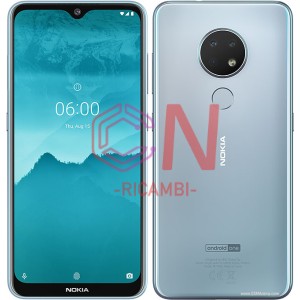
- Nokia 6.2 (2019)
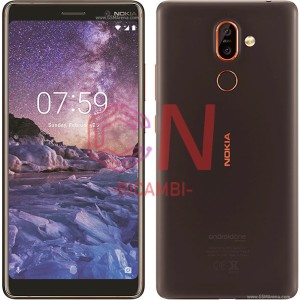
- Nokia 7 Plus (2018)
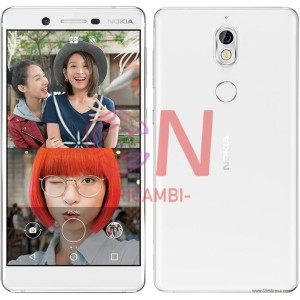
- Nokia 7 (2017)
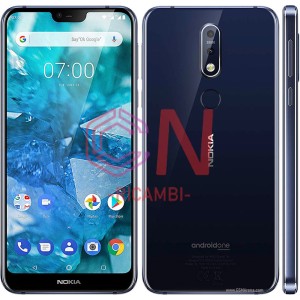
- Nokia 7.1 (2018)
- Nokia 7.1 Plus X7
- Nokia 7.2 (2019)
- Nokia 8 (2017)
- Nokia 8 Sirocco (2018)
- Nokia 8 (2017)
- Nokia 8.1 (2018)
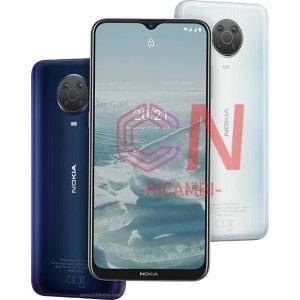
- Nokia 8.3 5G (2020)
- Nokia 9 Pureview
- Nokia C10 (2021)
- Nokia C2 2nd (2022)
- Nokia C20 (2021)
- Nokia C21 (2022)
- Nokia C21 plus (2022)
- Nokia C31 (2022)
- Nokia C32 TA-1534 (2023)
- Nokia G10 (2021)
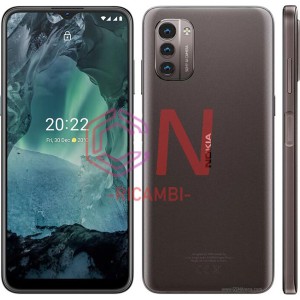
- Nokia G11 (2022)
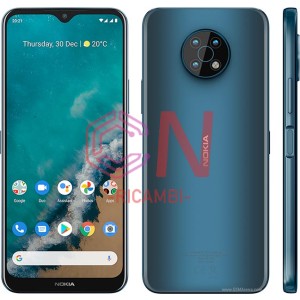
- Nokia G20 (2021)
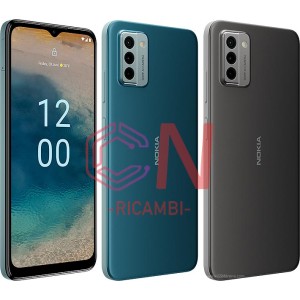
- Nokia G21 (2022)
- Nokia G22 (2023)
- Nokia G42 5G TA-1581 (2023)
- Nokia G50 (2021)
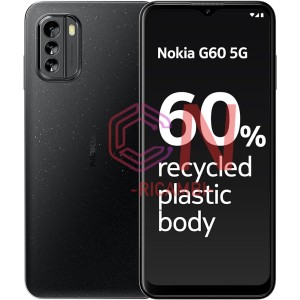
- Nokia G60 5G TA-1479
- Nokia X10 TA-1332 (2021)
- Nokia X20 TA-1341 (2021)
- Nokia X30 5G TA-1450 (2022)
- Nokia XR20 TA-1362/1368/1371 (2021)
- Nokia XR21 TA-1486 (2023)
-
 SAMSUNG
- A013 Galaxy A01 Core (2019)
- A013 Galaxy A01 Core (2019)
- A015 Galaxy A01 (2019)
- A02 Galaxy A022F (2021)
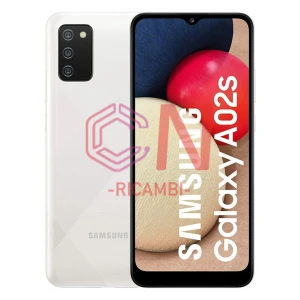
- A025F Galaxy A02s (India Version) (2020)
- A025g Galaxy A02s (Europe Version) (2020)
- A035G Galaxy A03 (Europe) (2021)
- A032 Galaxy A03 Core 2021
- A035F Galaxy A03 (No Europe) (2021)
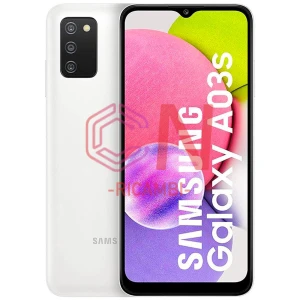
- A037f Galaxy A03s (Asia Version) (2021)
- A037g Galaxy A03s (Europe Version) (2021)
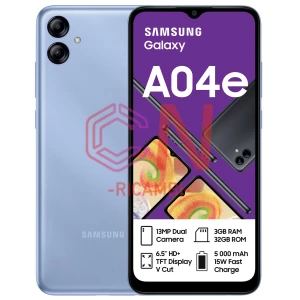
- A042 Galaxy A04e (2022)
- A045 Galaxy A04 (2022)
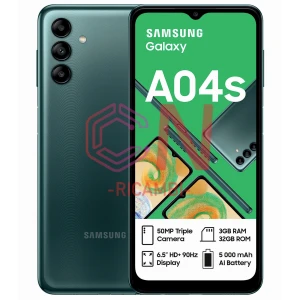
- A047 Galaxy A04s (2022)
- A042 Galaxy A04e (2022)
- A047F GalaxyA04S (2022)
- A260 Galaxy A2 Core (2019)
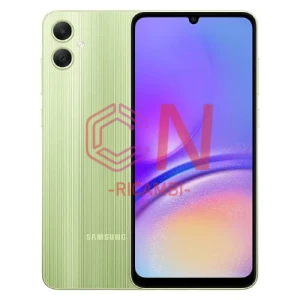
- A055F Galaxy A05 (2023)
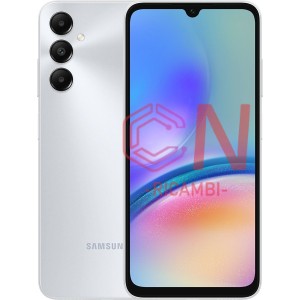
- A057F Galaxy A05s (2023)
- A600f Galaxy A6 (2018)
- A530F Galaxy A8 (2018)
- G887F Galaxy A8S (2018)
- A730F Galaxy A8 Plus (2018)
- A750F Galaxy A7 (2018)
- A920 Galaxy A9 (2018)
- A105f Galaxy A10 (india version) (2019)
- A105fn Galaxy A10 (europe version) (2019)
- A107 Galaxy A10S (2019)
- A115F Galaxy A11 (2020)
- A115F Galaxy A11 (2020)
- A127 Galaxy A12 nacho (2021)
- A125 Galaxy A12 (2020)
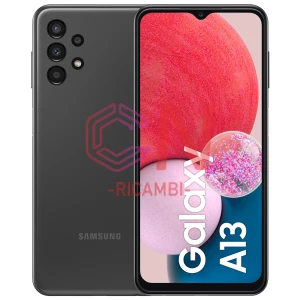
- A135F Galaxy A13 Exynos (2022)
- A137F Galaxy A13 MediaTek (2022)
- A136U Galaxy A13 5G (2023)
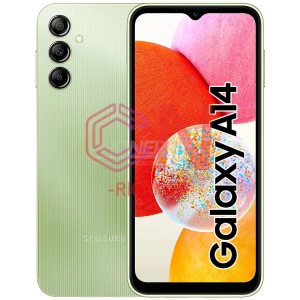
- A145P Galaxy A14 4G (2023)
- A145R Galaxy A14 4G (2023)
- A145F Galaxy A14 4G(NO EUROPE) 2023
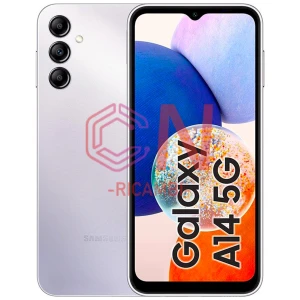
- A146U Galaxy A14 5G (2023)
- A146P Galaxy A14 5G (EUROPE) 2023
- A146B Galaxy A14 5G (NON EUROPE) (2023)
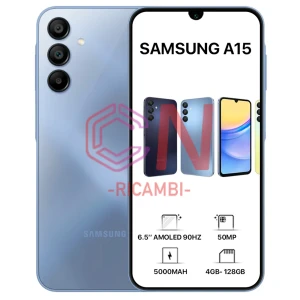
- A155 Galaxy A15 4G (2024)
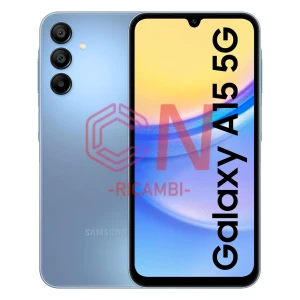
- A156 Galaxy A15 5G (2024)
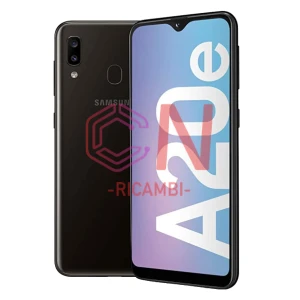
- A202 Galaxy A20E (2019)
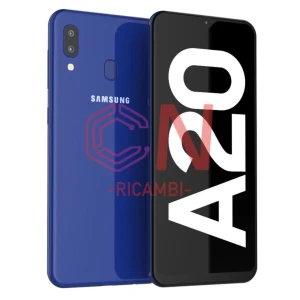
- A205f Galaxy A20 (2019)
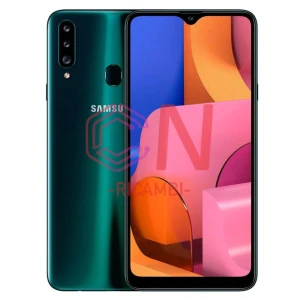
- A207 Galaxy A20S (2019)
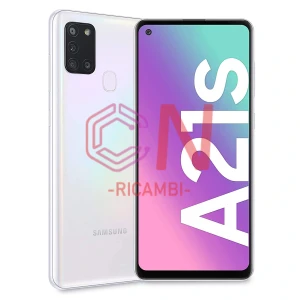
- A217 Galaxy A21s (2020)
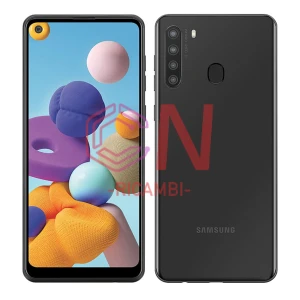
- A215U Galaxy A21 (2020)
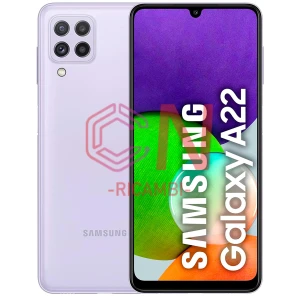
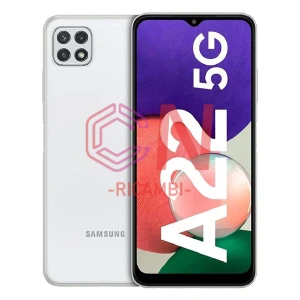
- A225 Galaxy A22 4G (2021)
- A226 Galaxy A22 5G (2021)
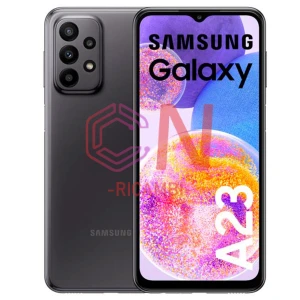
- A235f Galaxy A23 4G (2023)
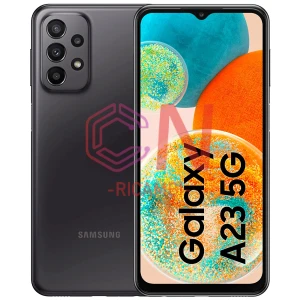
- A236f Galaxy A23 5G (2023)
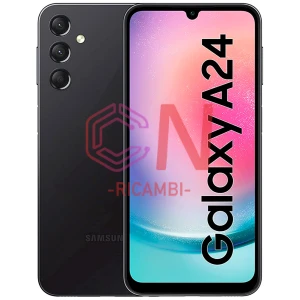
- A245f Galaxy A24 4G (2023)
- A256 Galaxy A25 5G (2023)
- A307 Galaxy A30S (2019)
- A305 Galaxy A30 (2019)
- A315 Galaxy A31 (2020)
- A325 Galaxy A32 4G (2021)
- A326 Galaxy A32 5G (2021)
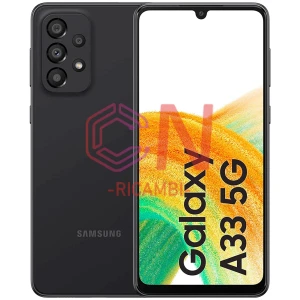
- A336 Galaxy A33 5G (2022)
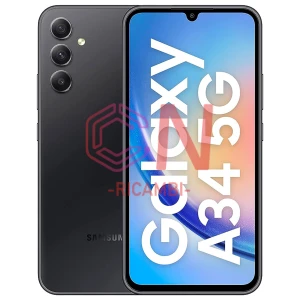
- A346 Galaxy A34 5G (2023)
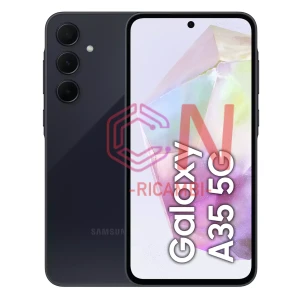
- A356 Galaxy A35 5G (2024)
- A405F Galaxy A40 (2019)
- A407f galaxy A40s (2019)
- A415 Galaxy A41 (2020)
- A426 Galaxy A42 5G (2020)
- A507 galaxy A50s (2019)
- A505 Galaxy A50 (2019)
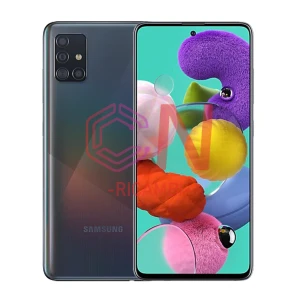
- A515 Galaxy A51 (2020)
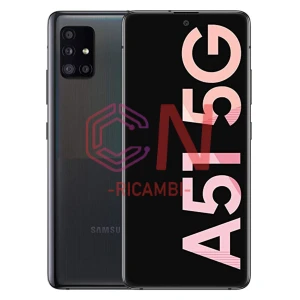
- A516 Galaxy A51 5G (2020)
- A516 Galaxy A51 5G (2019)
- A526 Galaxy A52 5G (2021)
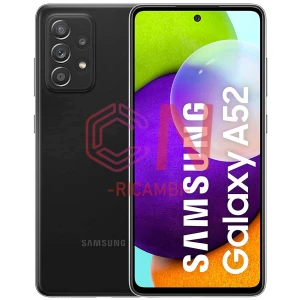
- A525 Galaxy A52 (2021)
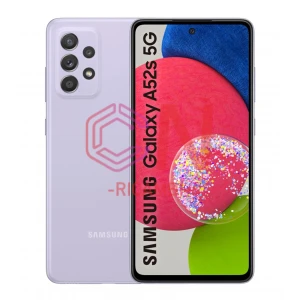
- A528 Galaxy A52s 5G (2021)
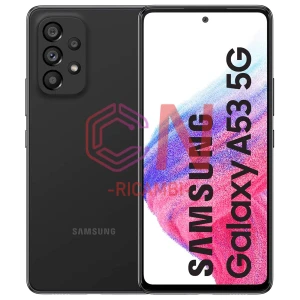
- A536 Galaxy A53 5G (2022)
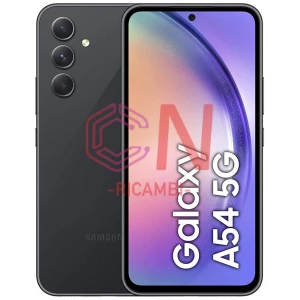
- A546 Galaxy A54 5G (2023)
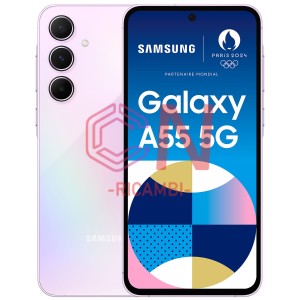
- A556 Galaxy A55 5G (2024)
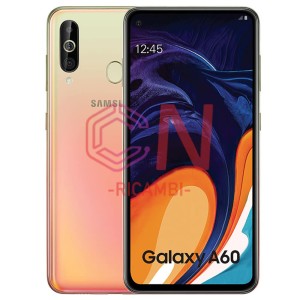
- A606 Galaxy A60 (2019)
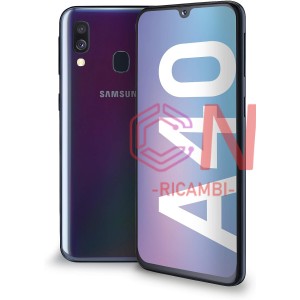
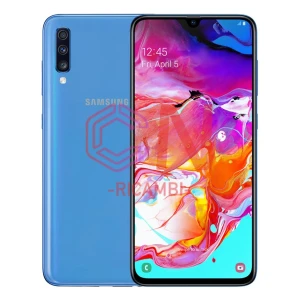
- A705 Galaxy A70 (2019)
- A716 Galaxy A71 5G (2020)
- A715 Galaxy A71 4G (2020)
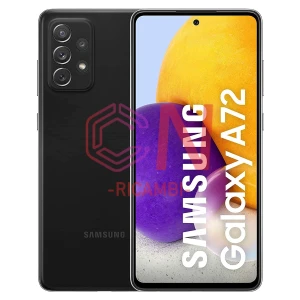
- A725 Galaxy A72 (2021)
- A726B Galaxy A72 5G (2021)
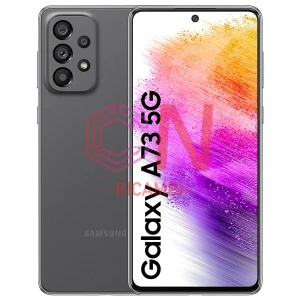
- A736 Galaxy A73 5G (2022)
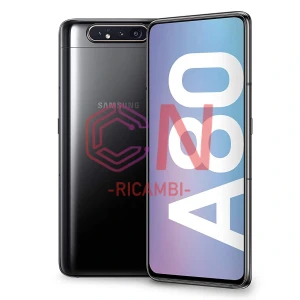
- A805 Galaxy A80 (2019)
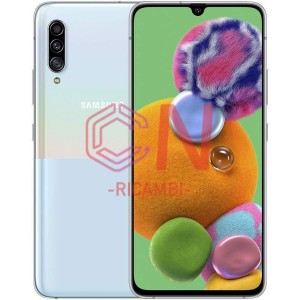
- A908F Galaxy A90 5G (2019)
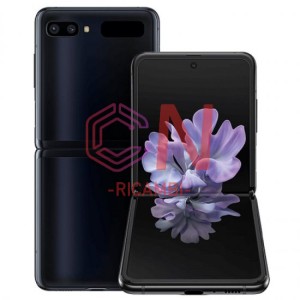
- F700 Galaxy Z Flip 4G (2020)
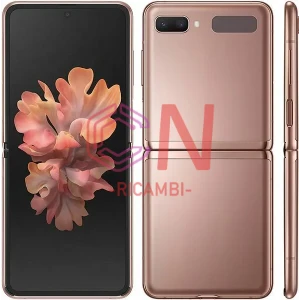
- F707 Galaxy Z Flip 5G (2020)
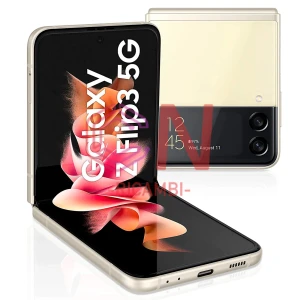
- F711 Galaxy Z Flip 3 5G (2021)
- F721 Galaxy Z Flip 4 (2022)
- F731 Galaxy Z Flip 5 (2023)
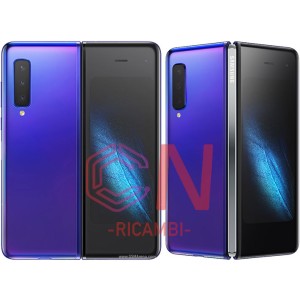
- F900 Galaxy Fold (2019)
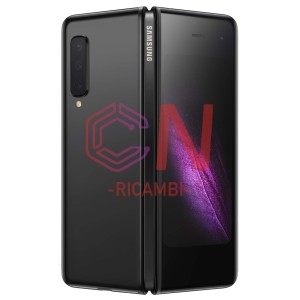
- F907 Galaxy Fold 5G (2019)
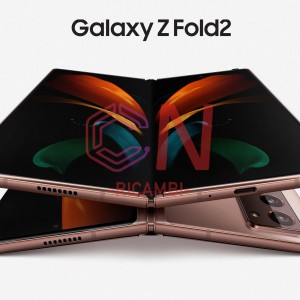
- F916 Galaxy Z Fold 2 5G (2020)
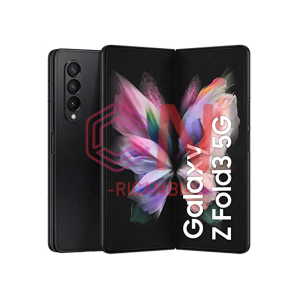
- F926 Galaxy Z Fold 3 5G (2021)
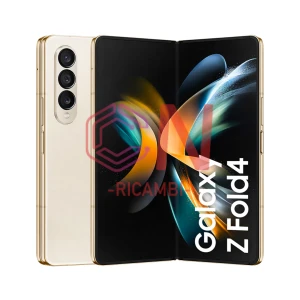
- F936 Galaxy Z Fold 4 (2022)
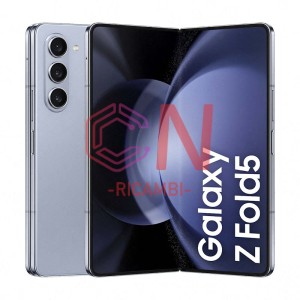
- F946 Galaxy Z Fold 5 (2023)
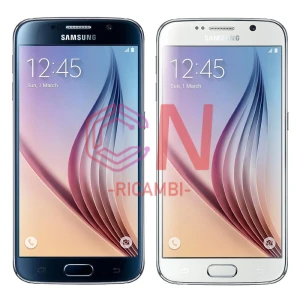
- G920F Galaxy S6 (2015)
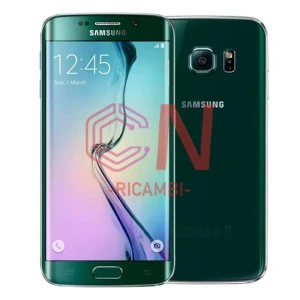
- G925F Galaxy S6 Edge (2015)
- G925F Galaxy S6 Edge (2015)
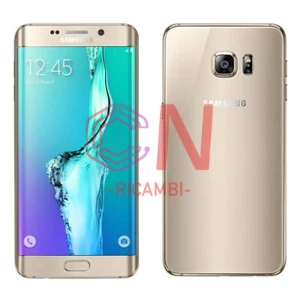
- G928F Galaxy S6 Plus (2015)
- G928F Galaxy S6 Plus (2015)
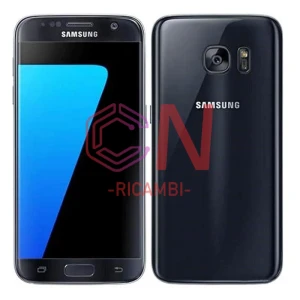
- G930F Galaxy S7 (2016)
- G930F Galaxy S7 (2016)
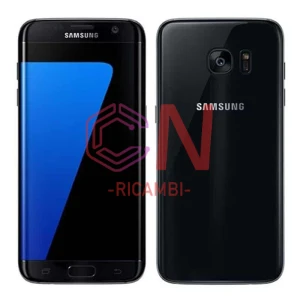
- G935 Galaxy S7 Edge (2016)
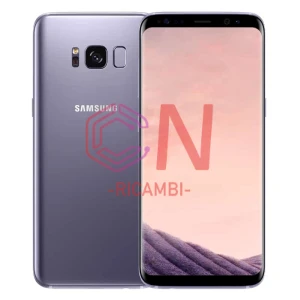
- G950F Galaxy S8 (2017)
- G955F Galaxy S8 Plus (2017)
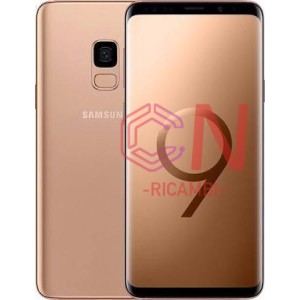
- G960F Galaxy S9 (2018)
- G965F Galaxy S9 Plus (2018)
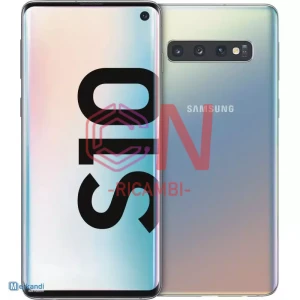
- G973F Galaxy S10 (2019)
- G970F Galaxy S10E (2019)
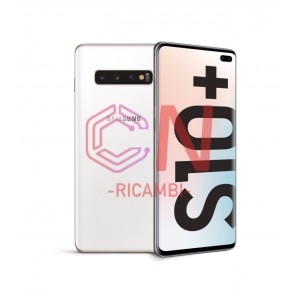
- G975F Galaxy S10 Plus (2019)
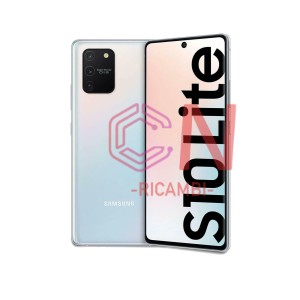
- G770 Galaxy S10 Lite (2022)
- G977B Galaxy S10 5G (2019)
- G980 Galaxy S20 (2020)
- G780 Galaxy S20 FE 4G (2020)
- G781 Galaxy S20 FE 5G (2020)
- G781 Galaxy S20 FE 5G (2020)
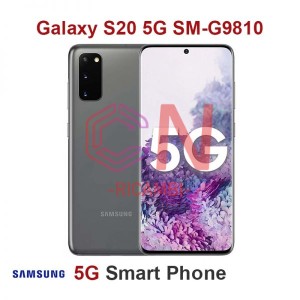
- G981 Galaxy S20 5G (2020)
- G985 Galaxy S20 Plus (2020)
- G988 Galaxy S20 Ultra 5G (2020)
- G996 Galaxy S21 Plus 5G (2021)
- G991 Galaxy S21 5G (2021)
- G990 Galaxy S21 FE 5G (2022)
- G998 Galaxy S21 Ultra 5G (2021)
- S901B Galaxy S22 (2022)
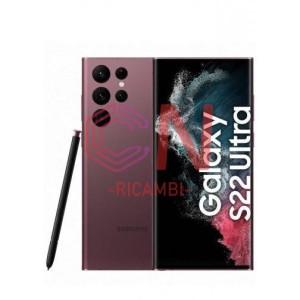
- S908B Galaxy S22 Ultra (2022)
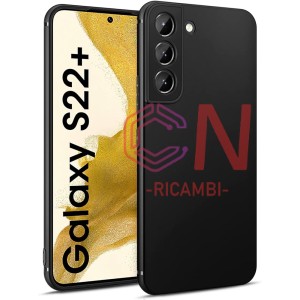
- S906B Galaxy S22 Plus (2022)
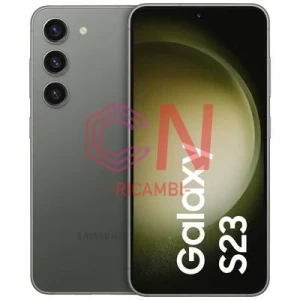
- S911 Galaxy S23 (2023)
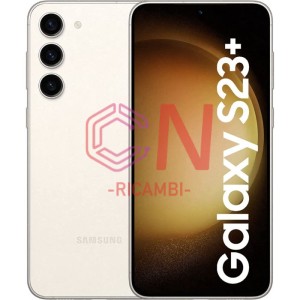
- S916 Galaxy S23 Plus (2023)
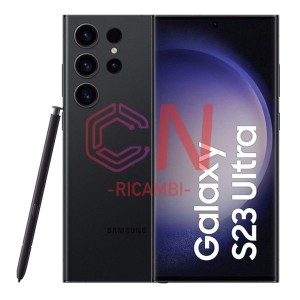
- S918 Galaxy S23 Ultra (2023)
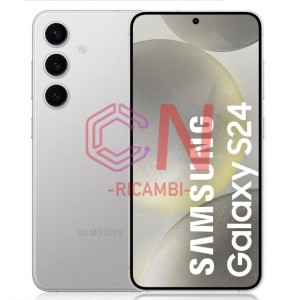
- S921 Galaxy S24 (2024)
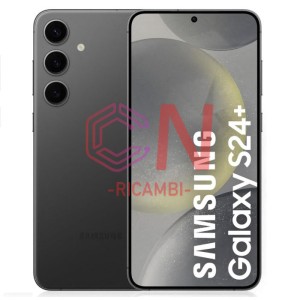
- S926 Galaxy S24+ (2024)
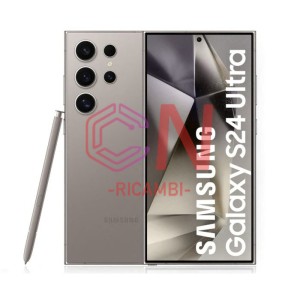
- S928 Galaxy S24 Ultra (2024)
- S931 Galaxy S25 (2024)
- M013 Galaxy M01 Core (2020)
- M025 Galaxy M02s (2020)
- M105f Galaxy M10 (2019)
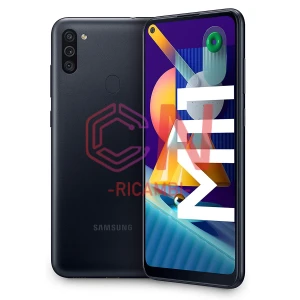
- M115 Galaxy M11 (2020)
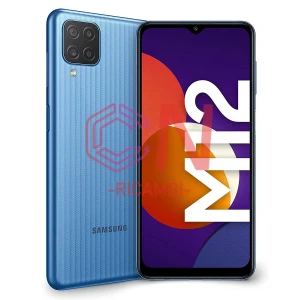
- M127 Galaxy M12 (2021)
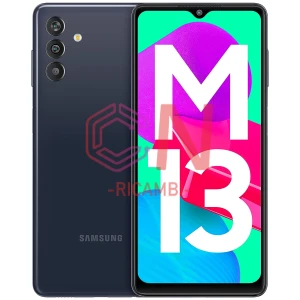
- M135 Galaxy M13 (2022)
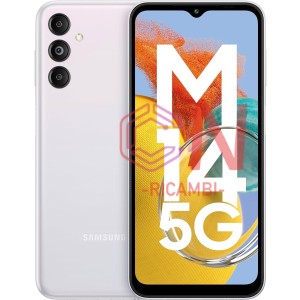
- M146B Galaxy M14 5G (2023)
- M205 Galaxy M20 (2019)
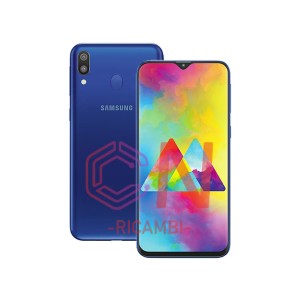
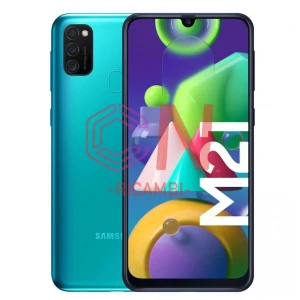
- M215 Galaxy M21 (2020)
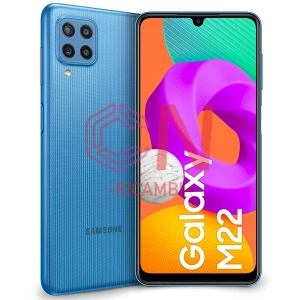
- M225 Galaxy M22 (2021)
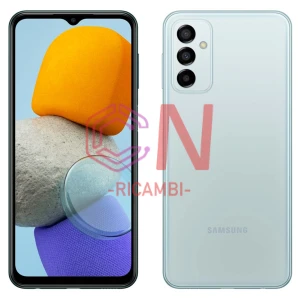
- M236 Galaxy M23 5G (2022)
- M305 Galaxy M30 (2019)
- M307 Galaxy M30S (2019)
- M315 Galaxy M31 (2020)
- M317 Galaxy M31s (2020)
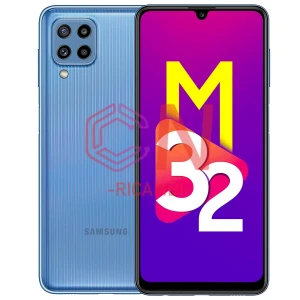
- M325 Galaxy M32 (2021)
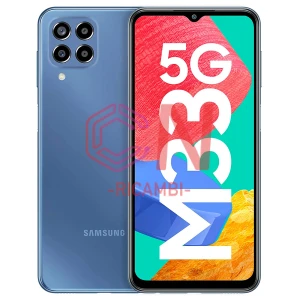
- M336 Galaxy M33 5G (2022)
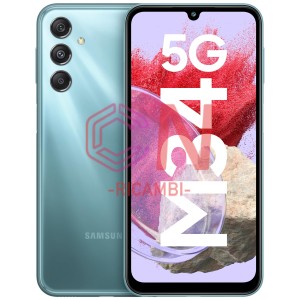
- M346 Galaxy M34 5G (2023)
- M405 Galaxy M40 (2019)
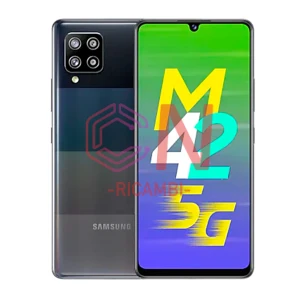
- M426 Galaxy M42 5G (2021)
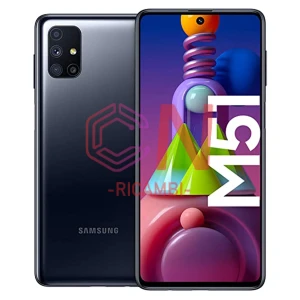
- M515F Galaxy M51 (2020)
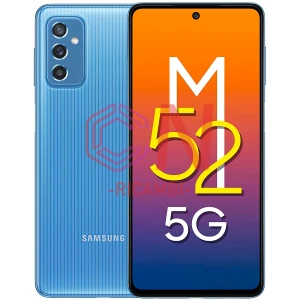
- M526 Galaxy M52 5G (2021)
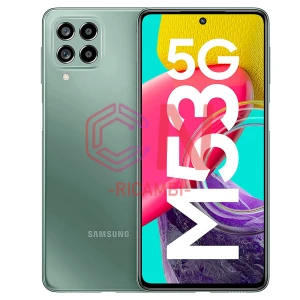
- M536 Galaxy M53 5G (2022)
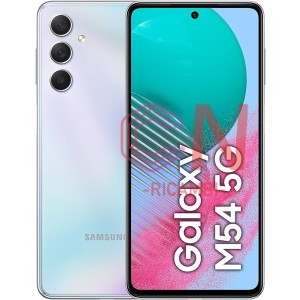
- M546B Galaxy M54 (2023)
- N950F Galaxy Note 8 (2017)
- N960F Galaxy Note 9 (2018)
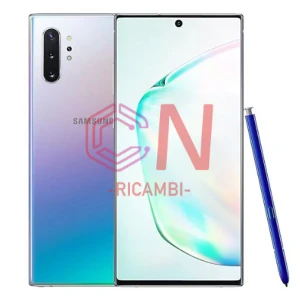
- N970 Galaxy Note 10 (2019)
- N770 Galaxy Note 10 Lite (2020)
- N975 Galaxy Note 10 Plus (2019)
- N976 Galaxy Note 10 Plus 5G (2019)
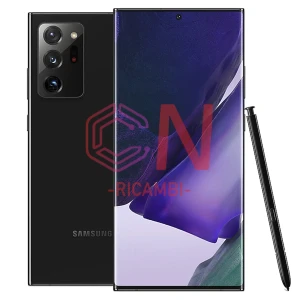
- N980 Galaxy Note 20 (2020)
- N981 Galaxy Note 20 5G (2020)
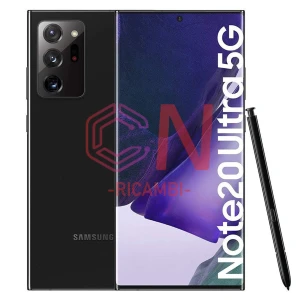
- N986 Galaxy Note 20 Ultra 5G
- N985F Galaxy NOTE 20 ULTRA
- E225F Galaxy F22 (2021)
- G736B Galaxy XCover 6 Pro (2022)
-
 SONY
SONY
- SONYERICSSON XPERIA LT26 I
- SONYERICSSON XPERIA M C1905
- Xperia 1
- Xperia 1 II
- Xperia 1 III
- Xperia 1 IV
- Xperia 10
- Xperia 10 II
- Xperia 10 III
- Xperia 10 IV
- Xperia 10 Plus
- Xperia 5
- Xperia 5 II
- Xperia 5 III
- Xperia Arc LT15
- Xperia Arc S LT18i
- Xperia C3 D2533
- XPERIA C4
- Xperia C4 E5303 E5306 E5353
- XPERIA C5 ULTRA
- Xperia C5 Ultra E5563 E5506
- Xperia E C1504 C1505 C1604 C1605
- Xperia E1 D2004 D2005
- Xperia E3 D2203
- XPERIA E4
- Xperia E4 E2105 E2105 E2115
- XPERIA E5
- Xperia E5 F3311
- Xperia Go ST27i
- Xperia Ion LT28
- Xperia J ST26i
- Xperia L C2105 C2104
- Xperia L1 G3311
- XPERIA L3
- Xperia L3 I3312 I4312
- Xperia L4
- Xperia M C1904 C1905 C2004
- XPERIA M2
- Xperia M2 D2303 D2305 D2302 D2306
- XPERIA M4
- Xperia M4 Aqua E2303
- Xperia M5 E5603 E5606 E5653
- Xperia Miro ST23i
- Xperia P LT22i
- Xperia Play R800
- Xperia S LT26i
- Xperia Sola MT27i
- Xperia SP M35H C5302 C5303 C5306
- Xperia T LT30i
- Xperia T2 Ultra D5303 D5306 D5322
- Xperia T3 M50W D5102 D5103
- Xperia U ST25
- Xperia X Compact F5321
- XPERIA X F5121
- XPERIA X PERFORMANCE F8131
- Xperia X Performance F8131 F8132
- XPERIA X10
- Xperia XA F3111 F3113 F3115
- Xperia XA Ultra/C6 F3211
- Xperia XA1 G3121 G3123 G3112 G3116
- XPERIA XA1 ULTRA / C7 G3221
- Xperia XA1 Ultra G3221
- Xperia XA2 H3113 H3123 H4113
- Xperia XA2 Plus
- Xperia XA2 Ultra
- XPERIA XA2 ULTRA / C8 H4213
- Xperia XZ F8331 F8332
- Xperia XZ Premium G8141 G8142
- XPERIA XZ1 COMPACT G8441
- Xperia XZ1 Compact Mini G8441
- Xperia XZ1 G8341
- Xperia XZ2 Compact H8314 H8324
- Xperia XZ2 H8266 H8216
- Xperia XZ2 Premium
- Xperia XZ3 H8416
- XPERIA XZS G8232
- XPERIA Z C6603 L36H
- Xperia Z C6603 LT36
- Xperia Z Ultra XL39H C6802
- XPERIA Z1 COMPACT
- XPERIA Z1 L39H
- Xperia Z1 L39H C6902 C6903 C6906
- Xperia Z1 Mini Compact D5503
- XPERIA Z2
- Xperia Z2 L50W D6503 D6502
- XPERIA Z3 COMPACT
- Xperia Z3 Compact D5803
- XPERIA Z3 D6603
- Xperia Z3 D6603 D6643 D6616
- Xperia Z3 Plus Z4 E6553 E6533
- XPERIA Z3+ Z4
- XPERIA Z5
- Xperia Z5 Compact Mini E5803
- Xperia Z5 E6603 E6653
- XPERIA Z5 PREMIUM
- Xperia Z5 Premium E6853
-
 XIAOMI
- REDMI / RED RICE
- REDMI PRO
- REDMI S2 / REDMI Y2
- Redmi Go
- Redmi S2
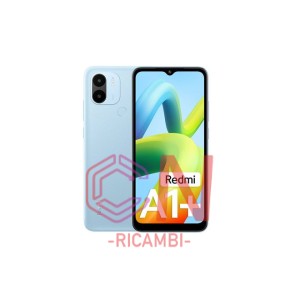
- Redmi A1+ (2022)
- Redmi A2+ (2022)
- Redmi 4 Pro
- Redmi 5 (2017)
- Redmi 5A (2017)
- Redmi 5 Plus
- Redmi 6
- Redmi 6A (2018)
- Redmi 7 (2019)
- Redmi 7A (2019)
- Redmi 8/8A (2019)
- Redmi 9 (2020)
- Redmi 9T (2021)
- Redmi 9A (2020)
- Redmi 9AT (2020)
- Redmi 9C (2020)
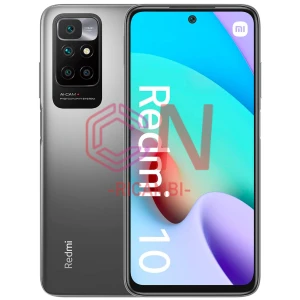
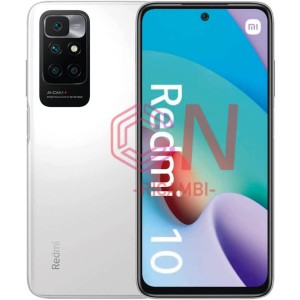
- Redmi 10 4G (2021)
- Redmi 10 4G (2022)
- Redmi 10 5G (2022)
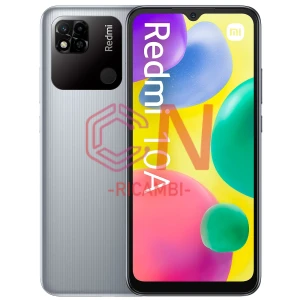
- Redmi 10A (2022)
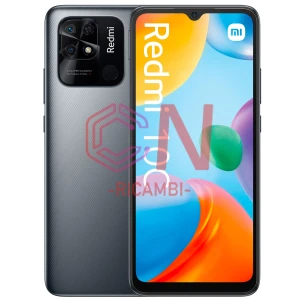
- Redmi 10C (2020)
- Redmi 10X 5G (2020)
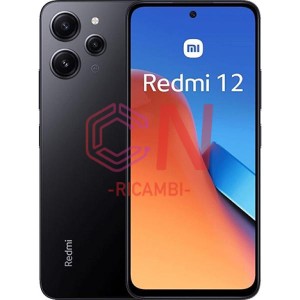
- Redmi 12 4g (2023)
- Redmi 12 5G (2023)
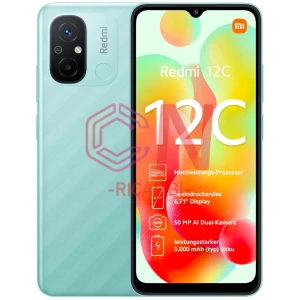
- Redmi 12C (2023)
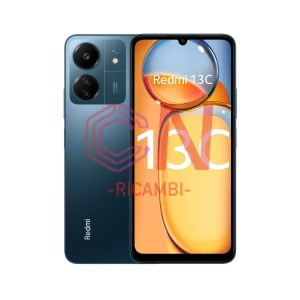
- Redmi 13C (2023)
- Redmi K20/K20 Pro
- REDMI K30 PRO
- REDMI K30 ULTRA
- REDMI K30S
- Redmi K30 4G (2019)
- Redmi K30 5G (2020)
- Redmi K40 Pro (2021)
- Redmi K50 (2022)
- REDMI NOTE 5 / REDMI NOTE 5 PRO
- Redmi Note 6 Pro (2018)
- REDMI NOTE 5A / REDMI NOTE 5A PRO
- Redmi Note 7
- REDMI NOTE 7 PRO
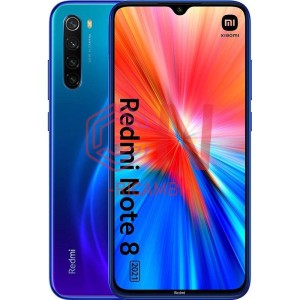
- Redmi Note 8 M1908C3JGG (2019)
- Redmi Note 8T (2019)
- Redmi Note 8 Pro
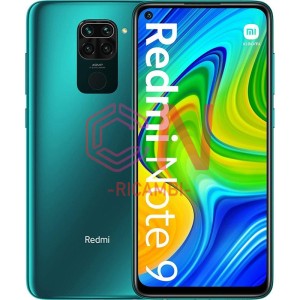
- Redmi Note 9
- Redmi Note 9 5G (2020)
- Redmi Note 9S
- Redmi Note 6 (2018)
- Redmi Note 9 Pro
- Redmi Note 9T 5G (2021)
- Redmi Note 10 4G
- Redmi Note 10 5G (2021)
- Redmi Note 10 Pro 5G (2021)
- Redmi Note 10 Pro 4G
- Redmi Note 10S M2101K7BNY
- Redmi Note 11 4G 2201117TY (2021)
- Redmi Note 11 5G
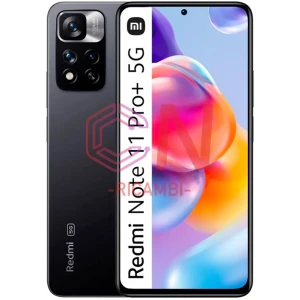
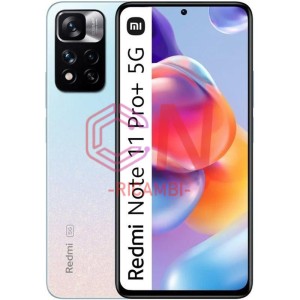
- REDMI NOTE 11 PRO+ 5G
- REDMI NOTE 11E
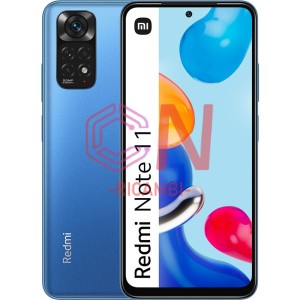
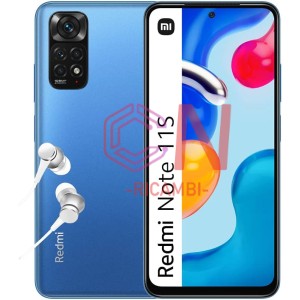
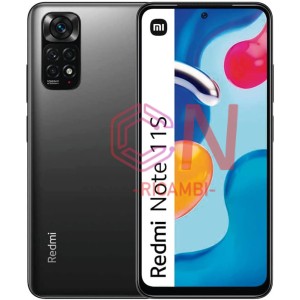
- REDMI NOTE 11S
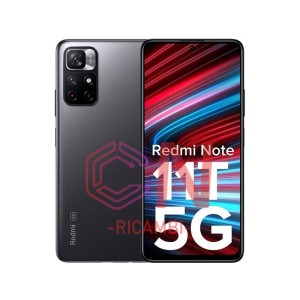
- REDMI NOTE 11T 5G
- Redmi Note 11T PRO+ 5G
- Redmi Note 11 Pro 4G 2201116TG (2022)
- Redmi Note 11 Pro Plus 5G (2022)
- Redmi Note 11 Pro 5G 2201116SG (2022)
- Redmi Note 11S 4G (2022)
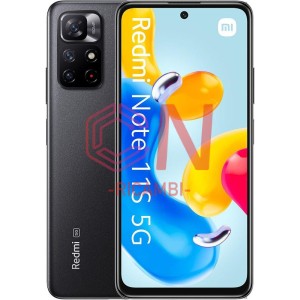
- Redmi Note 11S 5G (2022)
- Redmi Note 11S Nfc / Note 11S 2022
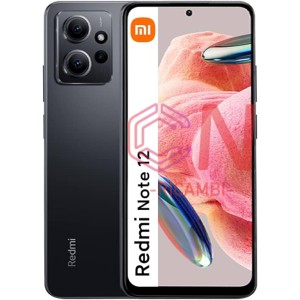
- Redmi Note 12 4G (2023)
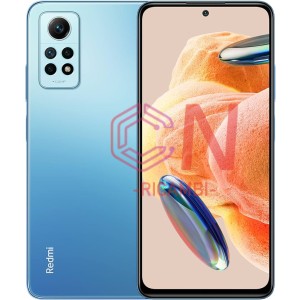
- Redmi Note 12 Pro 4G (2023)
- Redmi Note 12 Pro+ 5G (2023)
- Redmi Note 12 5G
- Redmi Note 12 Pro 5G (2022)
- Redmi Note 12R (2023)
- Redmi Note 12S (2023)
- Redmi Note 13 4G
- Redmi Note 13 5G
- Redmi Note 13 Pro 5G
- Redmi Note 13 Pro+ 5G
- Xiaomi Mi A1
- XIAOMI MI 2
- Xiaomi mi 2A
- Xiaomi Mi A2 / Mi 6X
- Xiaomi Mi A2 Lite (Redmi 6 Pro)
- Xiaomi Mi 3
- Xiaomi Mi A3
- XIAOMI MI 4
- Xiaomi Mi 4C
- XIAOMI MI 4I
- Xiaomi Mi 4S
- Xiaomi Mi 4X/5A
- Xiaomi Mi 5
- Xiaomi Mi 5C
- Xiaomi Mi 5S
- XIAOMI MI 5S PLUS
- Xiaomi Mi 5X
- XIAOMI MI 5X / MI A1
- XIAOMI MI 6
- XIAOMI MI 6X / MI A2
- XIAOMI MI 8
- Xiaomi MI 8 Lite
- XIAOMI MI 8 LITE / MI 8 YOUTH
- XIAOMI MI 8 PRO
- Xiaomi Mi 8 SE
- XIAOMI MI 9
- Xiaomi Mi 9 Lite
- Xiaomi Mi 9 Pro
- Xiaomi Mi 9 SE
- XIAOMI MI 9T
- Xiaomi Mi 9T Pro
- Xiaomi Mi 10
- Xiaomi Mi 10 5G
- Xiaomi Mi 10T
- XIAOMI MI 10 LITE 5G
- Xiaomi Mi 10 Pro 5G
- Xiaomi Mi 10T Pro
- XIAOMI MI 10T LITE 5G
- Xiaom Mi 11 Lite 5G
- Xiaom Mi 11 Lite 5G NE (NEW EDITION)
- Xiaomi Mi 11T 5G
- Xiaomi Mi 11 5G
- Xiaomi Mi 11 Lite 4G
- Xiaomi Mi 11 Pro
- Xiaomi Mi 11 Ultra
- Xiaomi Mi 11i 5G
- Xiaomi Mi 11T Pro 5G
- Xiaomi Mi 11X
- Xiaomi Mi 11x Pro
- Xiaomi Mi 12
- Xiaomi Mi 12 Lite 5G
- Xiaomi Mi 12T 5G
- Xiaomi Mi 12X
- Xiaomi Mi 12 Pro
- Xiaomi Mi 12T Pro 5G
- Xiaomi Mi 13 5G
- Xiaomi Mi 13 Pro 5G
- Xiaomi Mi 13 Ultra
- Xiaomi Mi 13T
- Xiaomi Mi 13T Pro
- Xiaomi Mi 13 Lite 5G
- Xiaomi Mi Max
- Xiaomi Mi Max 2
- XIAOMI MI MAX 3
- Xiaomi Mi Mix
- XIAOMI MI MIX 2
- Xiaomi MI Mix 2S
- XIAOMI MI MIX 3
- Xiaomi Mi Note
- Xiaomi Mi Note 2
- XIAOMI MI NOTE 3
- XIAOMI MI NOTE 10 LITE
- Xiaomi Mi Note 10
- Xiaomi Mi Note 10 pro
- XIAOMI MI NOTE 10 / MI NOTE 10 PRO
- Xiaomi Poco C40 4G
- Xiaomi Poco C65
- XIAOMI POCO F1 / POCOPHONE F1
- Xiaomi Pocophone F1
- XIAOMI POCO F2 PRO
- Xiaomi Poco F3
- XIAOMI POCO F4
- Xiaomi Poco F4 Gt
- Xiaomi Poco F5 5G
- Xiaomi Poco F5 Pro 5G
- Xiaomi Poco M3
- XIAOMI POCO M3 PRO
- Xiaomi Poco M3 Pro 5G
- Xiaomi Poco M4 5G
- XIAOMI POCO M4 PRO
- Xiaomi Poco M4 Pro 4G
- Xiaomi Poco M4 Pro 5G
- XIAOMI POCO M5
- Xiaomi Poco M5 4G
- XIAOMI POCO M5S
- Xiaomi Poco M5s 4G
- Xiaomi Poco M6 Pro 5G
- Xiaomi Poco X2
- Xiaomi Poco X3
- Xiaomi Poco X3 Gt 2021
- Xiaomi Poco X3 Nfc
- XIAOMI POCO X3 PRO
- Xiaomi Poco X4 Gt
- Xiaomi Poco X4 Pro 5G 2201116PG
- XIAOMI POCO X5
- Xiaomi Poco X5 5G
- Xiaomi Poco X5 Pro 5G
-
 ZTE
ZTE
- ZTE AXON 11 4G
- ZTE AXON 11 5G
- ZTE AXON 20 5G
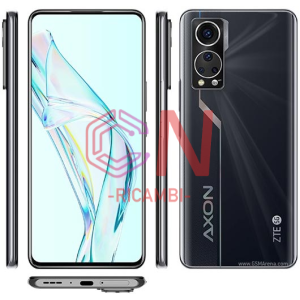
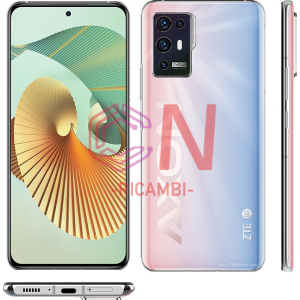
- ZTE AXON 30
- ZTE AXON 30 PRO
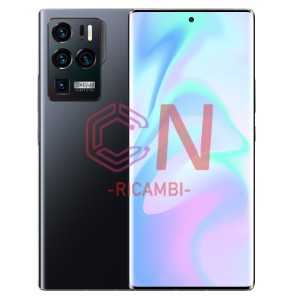
- ZTE AXON 30 ULTRA
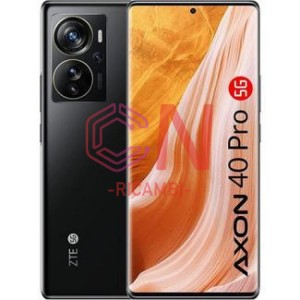
- ZTE AXON 40 Pro
- ZTE AXON 40 Ultra
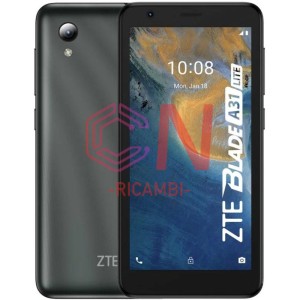
- ZTE Blade A31 lite
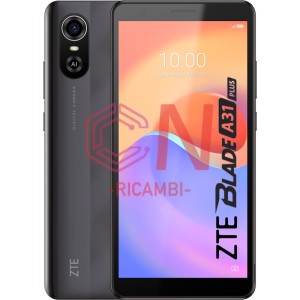
- ZTE Blade A31 Plus
- ZTE Blade A72S
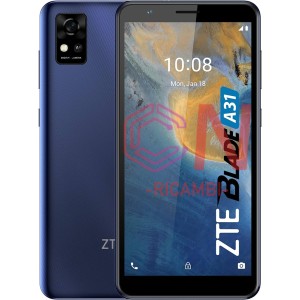
- ZTE Blade A31
- ZTE Blade A34
- ZTE Blade A5 2020
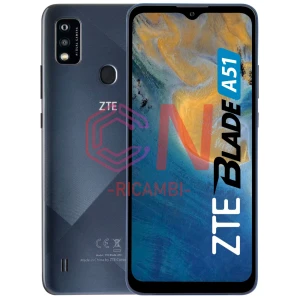
- ZTE Blade A51
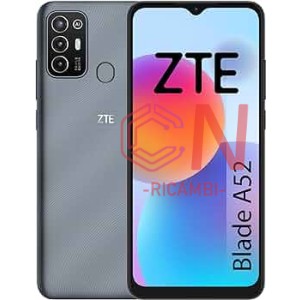
- ZTE Blade A52 4G
- ZTE Blade A52 Lite
- ZTE Blade A53
- ZTE Blade A53 Plus
- ZTE Blade A54
- ZTE Blade A71
- ZTE Blade A72 4G
- ZTE Blade A72 5G
- ZTE Blade A73
- ZTE Blade V Smart 2050
- ZTE Blade V2020
- ZTE Blade V30 Vita
- ZTE Blade V40 Design
- ZTE Blade V40 Smart
- ZTE Blade V40 Vita
- ZTE Blade V41 Vita 5G
- ZTE Blade V50 Vita
- ZTE Neva 80
-
-
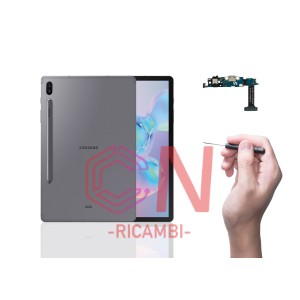 Ricambi Tablet
-
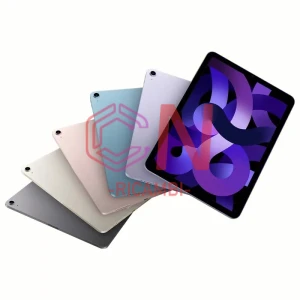 Apple iPad
- iPad 3rd (2012) — A1403 A1416 A1430
- iPad 4th (2013) — A1458 A1459 A1460
- iPad 5th 9.7 ( 2017) — A1822 A1823
- iPad 6th 9.7 ( 2018) — A1893 A1954
- iPad 7th 10.2 (2019) — A2197 A2200 A2198
- iPad 8th 10.2 ( 2020) — A2270 A2428 A2429 A2430
- iPad 9th 10.2 (2021) — A2602 A2603 A2604
- iPad 10th 10.9 (2021) — A2696 A2757 A2777
- iPad Air 2 9.7(2015)— A1566 A1567
- iPad Air 3 10.5 (2019)— A2152 A2123 A2153 A2154
- iPad Air 4 10.9 (2020) — A2316 A2324 A2325 A2072
- iPad Air 5 10.9 (2022)
- iPad Air 9.7 (2014) — A1474 A1475 A1476
- iPad Mini 3 (2015) —A1599 A1600
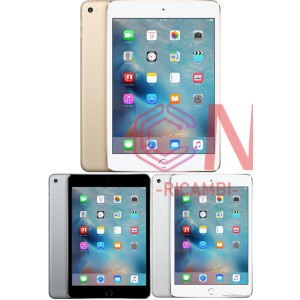
- iPad Mini 4 (2016) — A1538 A1550
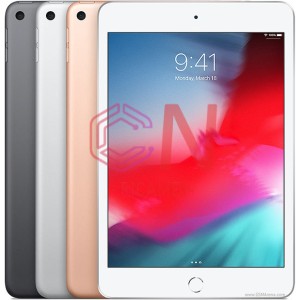
- iPad Mini 5 (2019) —A2133 A2124 A2126 A2125
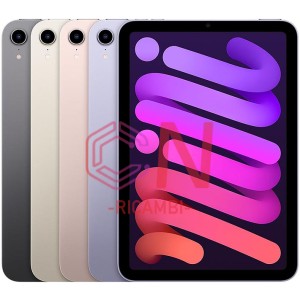
- iPad Mini 6 (2021) — A2568
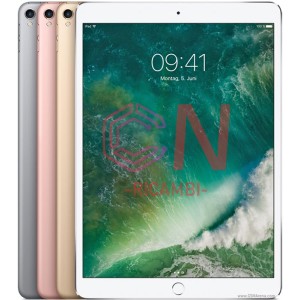
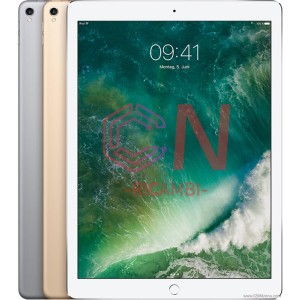
- iPad Pro 10.5 (2017) — A1701 A1709 A1852
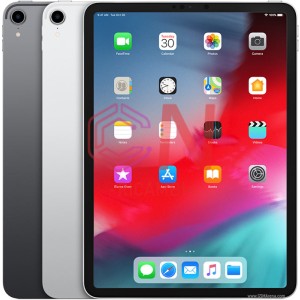
- iPad Pro 11 (2018) — A1980 A2013 A1934 A1979
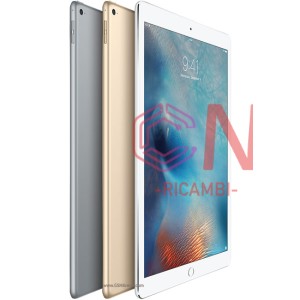
- iPad Pro 12.9 (2015) — A1584 A1652
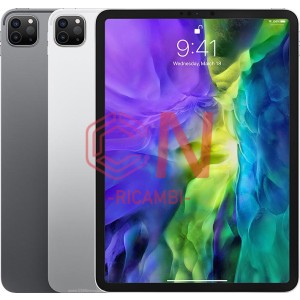
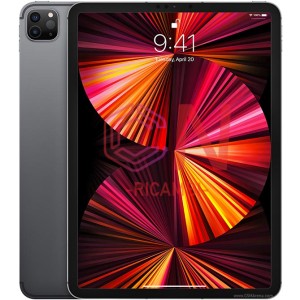
- iPad Pro 2th 11 (2020) — A2228 A2068 A2230 A2231
- iPad Pro 2th 12.9 (2017) — A1670 A1671 A1821
- iPad Pro 3th 11 (2021) M1 — A2301 A2377 A2459 A2460
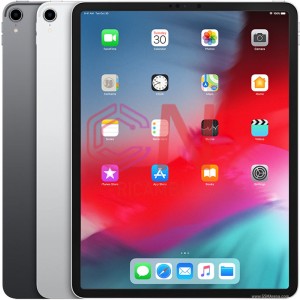
- iPad Pro 3th 12.9 (2018) — A1876 A2014 A1895 A1983
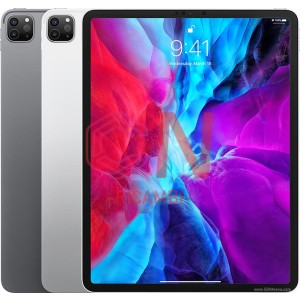
- iPad Pro 4th 12.9 (2020) —A2069 A2229 A2232 A2233
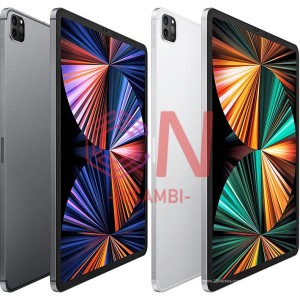
- iPad Pro 5th 12.9 (2021) M1 — A2378 A2379 A2461 A2462
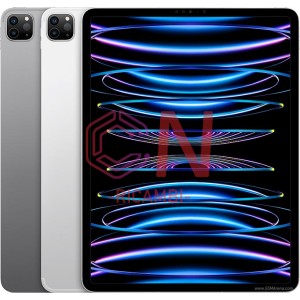
- iPad Pro 6th 12.9 (2022) — A2436 A2437 A2764 A2766
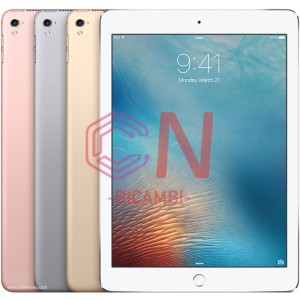
- iPad Pro 9.7 (2016) — A1673 A1674 A1675
-
 HUAWEI TAB
- HUAWEI MATEPAD 10.4
- HUAWEI MATEPAD 11 (2021)
- HUAWEI MATEPAD T 10S
- HUAWEI MATEPAD T10
- HUAWEI MATEPAD T8
- HUAWEI MEDIAPAD 10 LINK
- HUAWEI MEDIAPAD M2 M2-801
- HUAWEI MEDIAPAD M2 M2-A01
- HUAWEI MEDIAPAD M3 8.4
- HUAWEI MEDIAPAD M3 LITE 10
- HUAWEI MEDIAPAD M3 LITE 8.0
- HUAWEI MEDIAPAD M5 LITE 10
- HUAWEI MEDIAPAD T1 T1-701
- HUAWEI MEDIAPAD T1 T1-821
- HUAWEI MEDIAPAD T1 T1-A21
- HUAWEI MEDIAPAD T2 7.0 PRO
- HUAWEI MEDIAPAD T3 (2017) 7.0
- HUAWEI MEDIAPAD T3 10
- HUAWEI MEDIAPAD T5 10
- Matepad 10.4
- Matepad 11
- MatePad Pro 12.6 WGR-W09
- Matepad Pro MRX-AL09 MRX-W09 MRX-W29
- Matepad T10 AGR-W09
- Matepad T10s AGS3-W09
- MatePad T8 Kobe2-L09 Kobe2-L03
- Mediapad 10 S10-231U S10-201U
- Mediapad M1 8.0 S8-306L S8-301L
- MediaPad M2 10.0 M2-A01
- Mediapad M2 7“
- Mediapad M2 Lite T2 Pro
- Mediapad M2-801 /M2-803
- Mediapad M2-A01W M2-A01L
- Mediapad M3 8.4
- Mediapad M3 Lite 10.1
- Mediapad M3 Lite 8
- Mediapad M5 10.8
- Mediapad M5 8.4
- Mediapad M5 Lite 10,1''
- Mediapad M5 Pro CMR-AL19 10.8
- Mediapad T1 10 T1-A21 9.6
- Mediapad T1 8.0 T1-821L
- Mediapad T1 S8-701U 3G
- Mediapad T1-701
- Mediapad T2 10.1
- MediaPad T2 7.0 BGO-DL09/BGO-L03
- Mediapad T2 7.0 Pro PLE-701L
- Mediapad T2 8 Pro
- Mediapad T2 Pro 10 FDR-A01L
- Mediapad T3 10 AGS-W09
- Mediapad T3 7.0/GB2-U01
- Mediapad T3 7.0/GB2-W09
- Mediapad T3 8.0/K0B-L09
- Mediapad T5 10.1
- Mediapad T5 Lite
- Mediapad X2
- S7-721
-
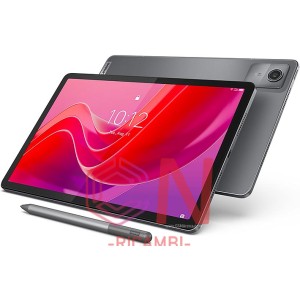 LENOVO TAB
- LENOVO TAB M10 HD (2ND GEN) TB-X306 (2020)
- LENOVO TAB M10 PLUS TB-X606F (2020)
- LENOVO TAB M10 TB-X505
- LENOVO TAB M10 TB-X605
- LENOVO TAB M8 HD / M8 (2ND GEN) TB-8505
- LENOVO TAB P11 TB-J606F (2021)
- LENOVO XIAOXIN PAD 2022 TB125
- Miix 310 Ideapad
- Miix 320 Ideapad
- S6000 IdeaTab
- Lenovo Tab P11 Pro (2020)
- Tab TB328FU / TB328XU M10 3rd Gen
- Tab 2 A10-30 TB2 X30F X30L
- Tab 2 A10-70F
- Tab 2 A7-30HC
- Tab 2 A8-50L A8-50F
- Tab 3 10 Plus TB-X103F
- Tab 3 TB3-730X
- Tab 3 TB3-X70
- Tab 4 TB-8504N
- Tab 4 TB-8504X
- Tab 4 TB-X304F
- Tab 7 Essential TB-7304F TB-7304I TB-7304X
- Tab 7 TB-7504X TB-7504N
- TAB E10 10.1 TB-X104L TBX104F
- Tab TB125FU M10 Plus 3rd Gen
- Tab TB128 M10 Plus 3rd Gen
- Tab TB-7305 M7
- Tab TB-8505X M8 HD
- Tab TB-J606 P11
- Tab TB-X306X X306F M10 HD II
- Tab TB-X505 TB-X505F TB-X505L/X M10 HD
- Tab TB-X605L M10
- Tab TB-X606F X606X M10 FHD Plus
- Yoga 10 60046 B8000
- YOGA 300 11
- Yoga Smart Tab P10 YT-X705F
- Yoga Tab 2 Pro-1380F
- Yoga Tab 3 Plus YT-X703
- Yoga Tab 3 Pro YT3-X90L
- Yoga Tab 3 Y3-850L
- Yoga Tab 3 YT3-X50L
-
 LG TAB
-
 Microsoft Surface
-
 NOKIA TAB
-
 OPPO TAB
-
 Realme TAB
-
 SAMSUNG TAB
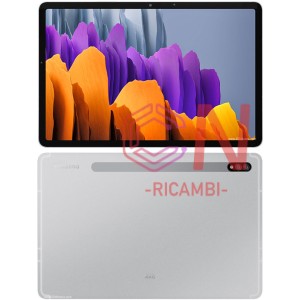
- T590 T595 Galaxy Tab A 2018
- T730 T733 Galaxy Tab S7 FE 12.4 Wifi (2021)
- T870 T875 Galaxy Tab S7 (2020)
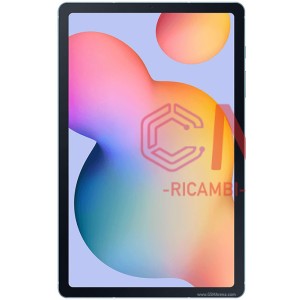
- P610 P613 P615 Galaxy Tab S6 Lite (2020)
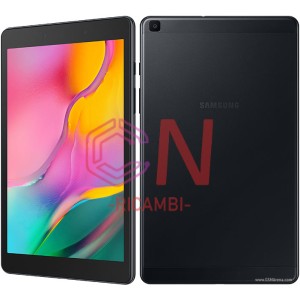
- T290 T295 Galaxy Tab A 2019 8.0
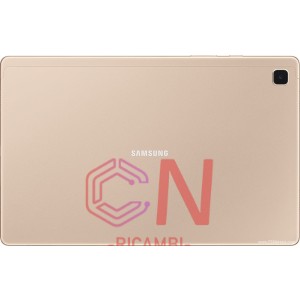
- T500 Galaxy Tab A7 (2020)
- T503 / T509 Galaxy Tab A7 (2022)
- T505 Galaxy Tab A7 (2020)
- T510f T515f Galaxy Tab A 10.1 2019
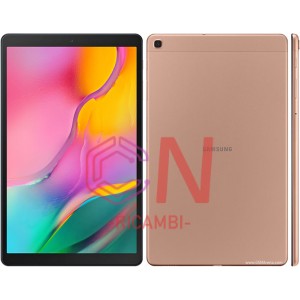
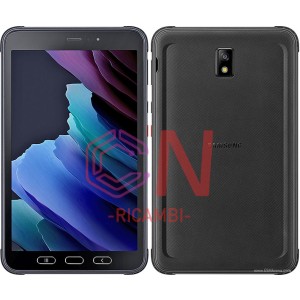
- T575 Galaxy Tab Active 3 (2020)
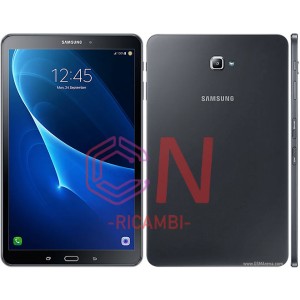
- T580 T585 Galaxy Tab A 10.1 (2016)
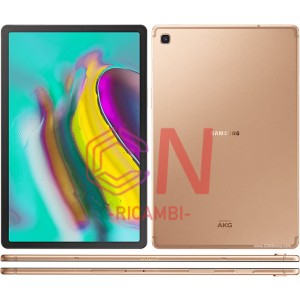
- T720 T725 Galaxy Tab S5E (2019)
- T735 T736 Galaxy Tab S7 FE 12.4 5G (2021)
- T860 T865 Galaxy Tab S6 (2019)
- T900/T905 Galaxy Tab Pro 12.2
- T970 T976 Galaxy Tab S7 Plus
- W620 Galaxy Book 10.6 (2017)
- W627 Galaxy Book 10.6 (2017)
- W700 Tab Pro S 12.0
- W720 Galaxy Book 12.0 (2017)
- X200 X205 Galaxy Tab A8 10.5
- X700N X706 Galaxy Tab S8
- X710 Galaxy Tab S9 Wifi
- X716 Galaxy Tab S9 5G
- X800N X806 Galaxy Tab S8+ Plus
- X810 Galaxy Tab S9 Plus Wifi
- X816 Galaxy Tab S9 Plus 5G
- X900N X906 Galaxy Tab S8 Ultra
- X910 Galaxy Tab S9 Ultra Wifi
- X916 Galaxy Tab S9 Ultra 5G
- XE500T1C
- XE700T1A
-
 TCL TAB
-
 XIAOMI TAB
-
-
 Cuffie incluse
-
 Ricambi Per Smartwatch
-
 iWatch
-
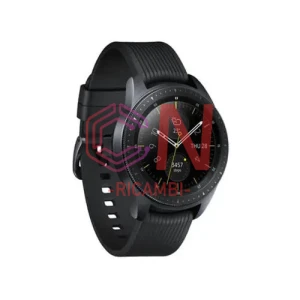 Samsung Watches
- R360 Samsung Galaxy Gear Fit 2
- R365 Samsung Galaxy Gear Fit 2 Pro
- R370 Samsung Galaxy Fit
- R500 Samsung Galaxy Watch Active
- R600 Samsung Galaxy Gear Sport
- R720X Samsung Galaxy Gear 2
- R732X Samsung Galaxy Gear S2 Classic
- R760X Samsung Galaxy Gear S3
- R800 Samsung Galaxy Gear S4 46mm
- R805 Samsung Galaxy Gear S4 LTE 46mm
- R810X Samsung Galaxy Gear 42mm
- R815 Samsung Galaxy Gear 42mm
- R820 Samsung Galaxy Watch Active 2 44mm
- R825 Samsung Galaxy Watch Active 2 LTE 44mm
- R830 Samsung Galaxy Watch Active 2 40mm
- R835 Samsung Galaxy Watch Active 2 LTE 40mm
- R840 Samsung Galaxy Watch 3 45mm
- R845 Samsung Galaxy Watch 3 45mm
- R850 Samsung Galaxy Watch 3 41mm
- R855 Samsung Galaxy Watch 3 41mm
- R860 Galaxy Watch 4 Bluetooth 40mm
- R880 Samsung Galaxy Watch 4 Classic 42mm
- R885 Samsung Galaxy Watch 4 Classic LTE 42mm
-
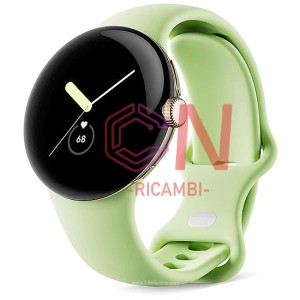 GOOGLE PIXEL WATCH
-
-
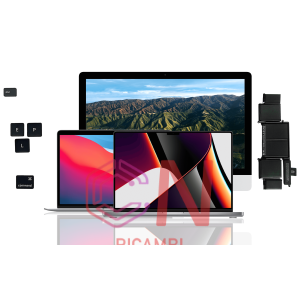 Ricambi PC
-
Computer Components
-
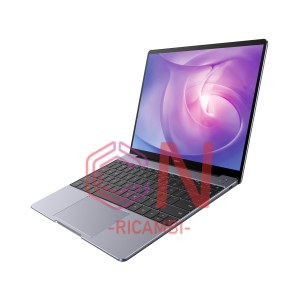 Huawei Matebook
-
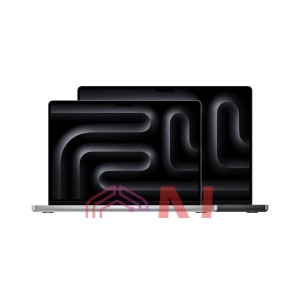 Apple PC Ricambi
- MacBook Pro 13" (2018) A1989
- MACBOOK PRO 13" M1 (A2338)
- MacBook Pro 13" A1502 (2015)
- MacBook Pro 15" A1398 (2015)
- MacBook Pro 13" A1708 a1706 (2016/17)
- MacBook Pro 15" A1707 (2016/17)
- MacBook Pro 13" A1989 A2159 A2289 A2251 (2018/19/20)
- MacBook Pro 16" A2414 (2019)
- MacBook Pro 13'' A2289 (2020)
- Macbook Air 13 A1932 (2018)
- MacBook Air 13 A2337 (2020)
- MacBook Air 13 A2338 (2020)
- Macbook Air 13 A2681 (2022) M2
- MacBook Pro 14 A2442 (2021) M1
- Macbook Pro 15 A1990 (2018)
- Batteria del computer Apple
- Schermo del computer Apple
-
 Samsung Notebook
-
 Xiaomi Mi Notebook
-
-
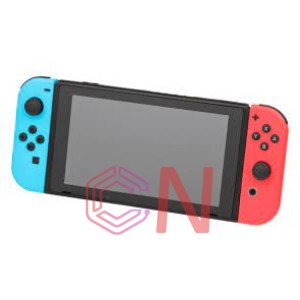 Ricambi Console
-
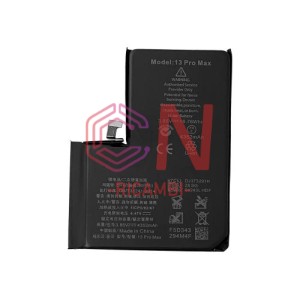 Batteria
-
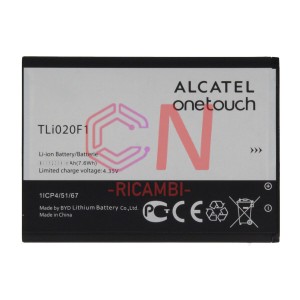 Alcatel Battery
-
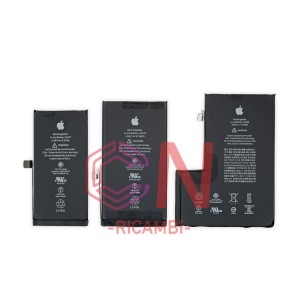 Apple Battery
-
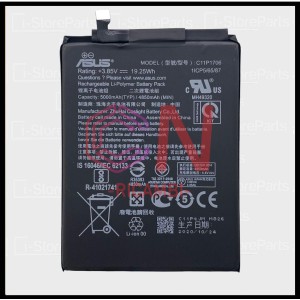 Asus Battery
-
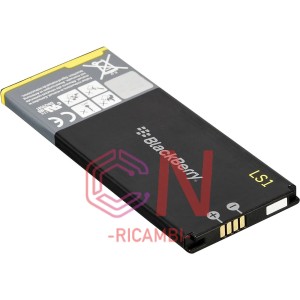 Blackberry Battery
-
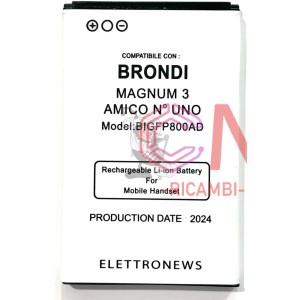 Brondi Battery
-
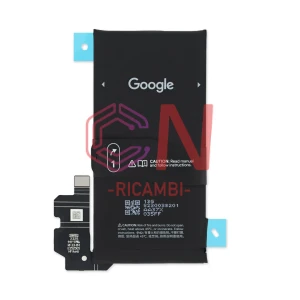 Google Pixel Battery
-
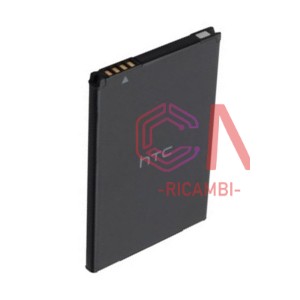 Htc Battery
-
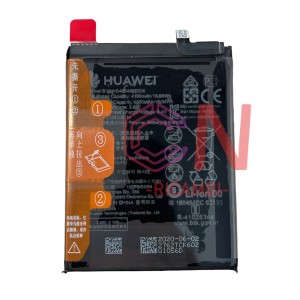 Huawei Battery
-
 Lenovo Battery
-
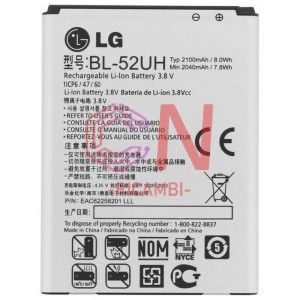 Lg Battery
-
 Microsoft Surface Battery
-
 Motorola Battery
-
Nintendo
-
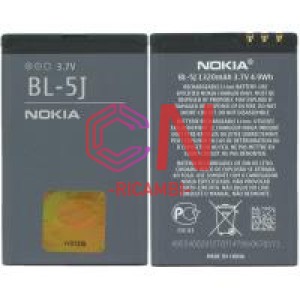 Nokia Battery
-
 One Plus Battery
-
 Oppo Battery
-
Other Brands
-
 Realme Battery
-
 Samsung Battery
-
 Sony Battery
-
TCL Battery
-
 Universal Battery
-
 Vivo Battery
-
 Wiko Battery
-
 Xiaomi Redmi Battery
-
 ZTE Battery
-
 Batterie Domestica
-
-
Accessori(Per Tipologia)
-
Sicurezza & Video & Camera
-
Support Auto & Espositore
-
 banca di potenza
-
caricabatterie
- Micro Usb车充
- Micro Usb家充
- Type-C车充
- Type-C家充
- Caricamento auto
- Computer & caricatore universale
- Caricamento del computer
- Ricarica domestica
- Ricarica auto Apple
- Caricabatteria per computer Apple
- Apple Home Charge
- Altri caricabatterie per auto
- Altri caricabatterie domestici
- Tariffa generale per veicoli
- Ricarica domestica universale
- Ricarica wireless
-
Ventilatore elettrico
-
 auricolare
-
 Auricolari e auricolari e categoria audio
-
Forniture per la casa e l'ufficio
-
Auricolari e auricolari Bluetooth
-
Alleanza verde
-
Accessori periferici per telefoni cellulari
-
 mouse
mouse
-
Cavo dati
-
 Caricabatterie per cavi dati
-
 Molo di espansione
-
Giocattoli
-
 Altoparlante
-
 Smart Watch
-
convertitore
-
-
 Marchio esterno
-
Alcatel 外配
-
 Asus 外配
-
Bose
-
Haylou外配
-
 JBL
JBL
-
 Lenovo 外配
-
LG外配
-
 Motorola 外配
-
Oneplus 1+
-
 Oppo外配
-
 Panasonic 外配
-
Realme外配
-
 TCL 外配
-
 Tp-Link外配
-
 Vivo外配
-
 Wiko外配
-
Caricabatterie portatile
-
Configurazione esterna Huawei
-
Accessori esterni Nokia
-
Accessori esterni Apple
-
Configurazione esterna di altre marche
-
Configurazione esterna Samsung
-
Configurazione esterna Sony
-
Configurazione esterna Xiaomi
-
-
 memoria
-
 Strumenti di manutenzione
-
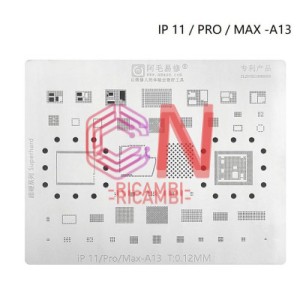 IC植锡钢网
-
Raccolta completa di strumenti
-
 Nastro adesivo/nastro biadesivo
-
 colla
colla
-
 Cacciavite
-
 muffa
muffa
-
altro
-
Racchetto/scatola di stoccaggio
-
Marchio di riparazione
-
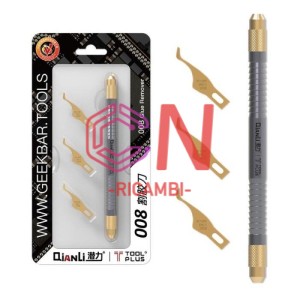 Strumenti di manutenzione
- Strumento di smontaggio
- Lama portacoltelli
- dispositivo
- Pinzette
- Altri strumenti
- Strumenti di pulizia
- Piantare reti di stagno
- Serie di Huawei di piantagione di maglia di latta
- Serie di mele a maglia di latta vegetale
- Altre serie Android di Zhixi Net
- Serie Samsung per piantare reti di latta
- Piantare Tin Mesh Xiaomi Series
-
Materiali di consumo per la manutenzione
-
Macchina di riparazione
-
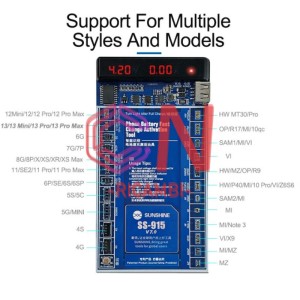 Strumenti di riparazione
-
-
 Custodia per telefono
-
 Pellicola temperata
-
Alcatel
-
Alcatel手机膜
-
Asus手机膜
-
iPad平板膜
-
LG手机膜
-
Motorola手机膜
-
Nokia手机膜
-
One Plus手机膜
-
OPPO 钢化膜
-
Oppo手机膜
-
REALME 钢化膜
-
Realme手机膜
-
Vivo手机膜
-
Wiko手机膜
-
ZTE手机膜
-
Maschera Google Phone
-
Pellicola temperata Huawei
-
Pellicola piatta Huawei
-
Pellicola per cellulari Huawei
-
Pellicola piatta Lenovo
-
Film piatto
-
Pellicola temperata di mela
-
Pellicola del telefono Apple
-
Altre marche di film piatti
-
Altre marche di pellicole per telefoni cellulari
-
Tagliatrice e film
-
Pellicola temperata Samsung
-
Pellicola piatta Samsung
-
Pellicola per cellulari Samsung
-
Pellicola per telefoni cellulari
-
Pellicola temperata universale
-
Film piatto universale
-
Pellicola universale per telefoni cellulari
-
Pellicola temperata Xiaomi
-
Pellicola piatta Xiaomi
-
Maschere per cellulari Xiaomi e Redmi
-
-
 computer di seconda mano
-
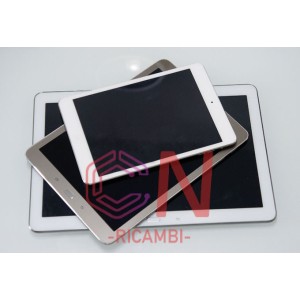 tablet di seconda mano
-
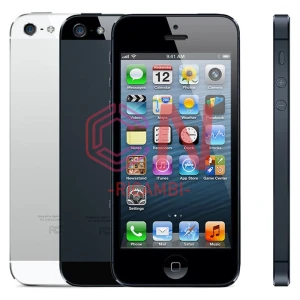 cellulare di seconda mano
-
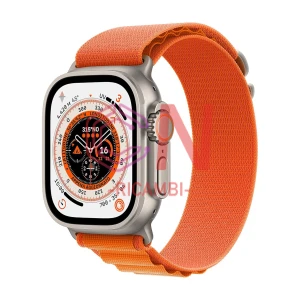 orologi di seconda mano
-
 Riciclo originale dello schermo
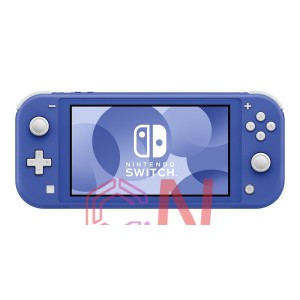 NINTENDO SWITCH LITE
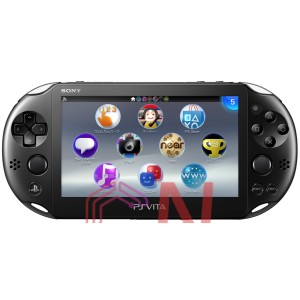 SONY
SONY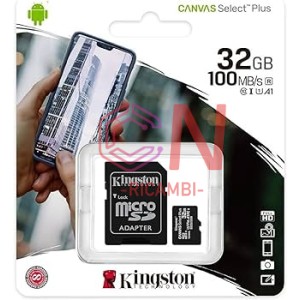 32GB
32GB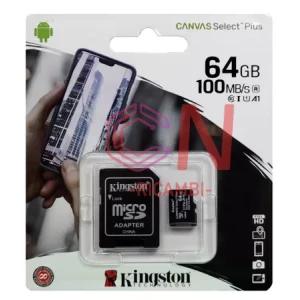 64GB
64GB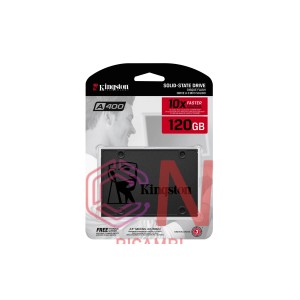 120GB
120GB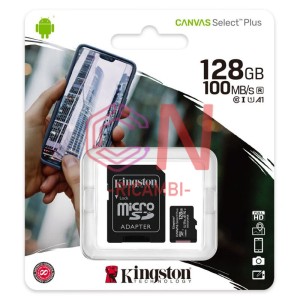 128GB
128GB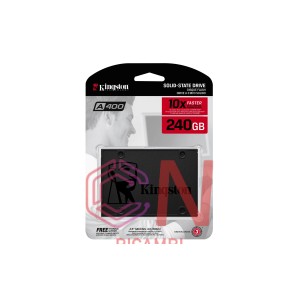 240GB
240GB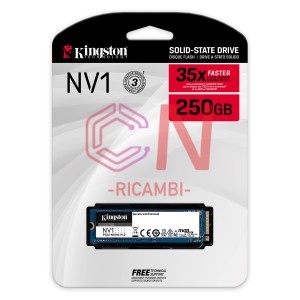 250GB
250GB 256GB
256GB 480GB
480GB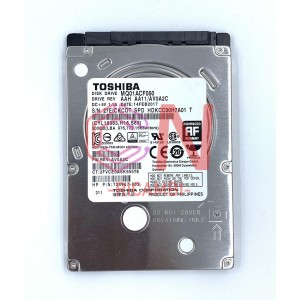 500GB
500GB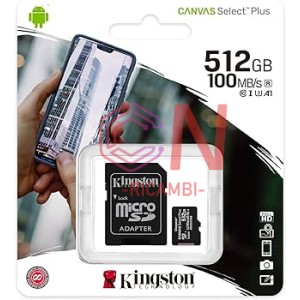 512GB
512GB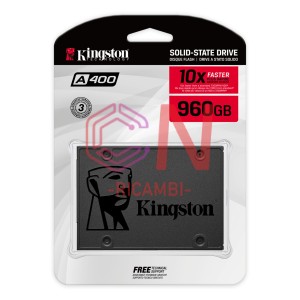 960GB
960GB 1TB
1TB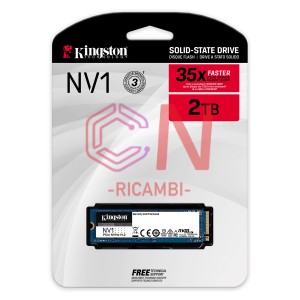 2TB
2TB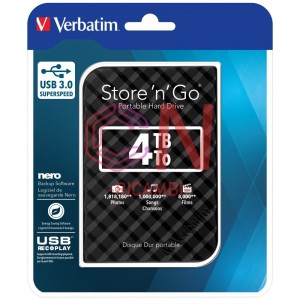 4TB
4TB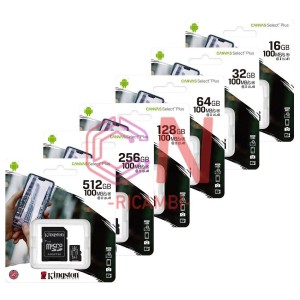 Scheda di archiviazione
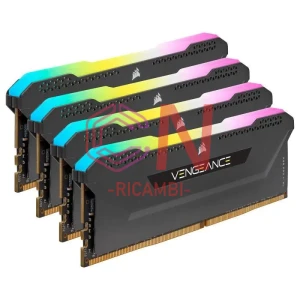 Memoria
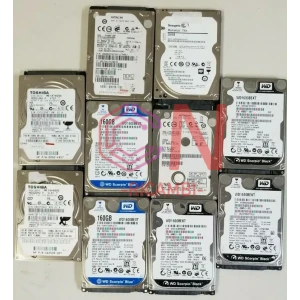 Disco rigido
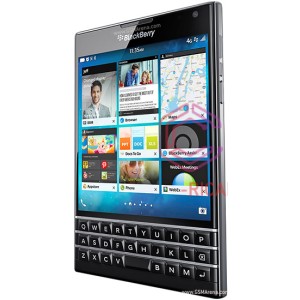 BlackBerry(Smartphone Used)
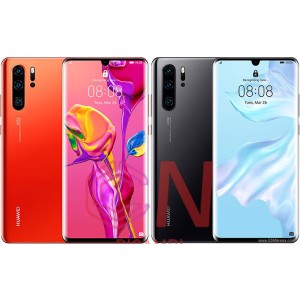 Huawei(smartphone tablet used)
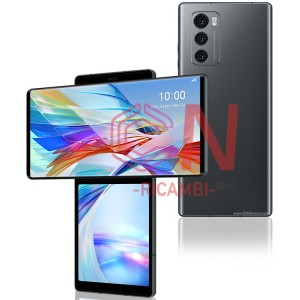 LG (smartphone used)
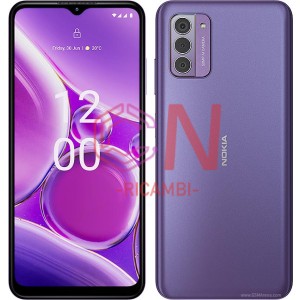 Nokia (smartphone used)
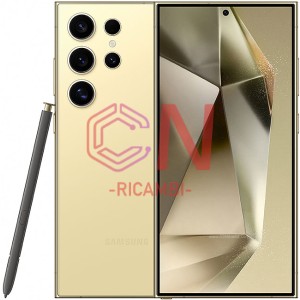 Samsung(tablet)
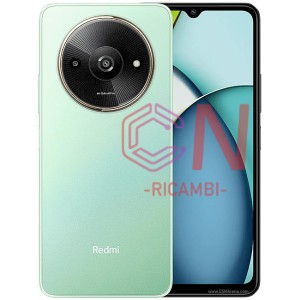 Xiaomi (smartphone used)
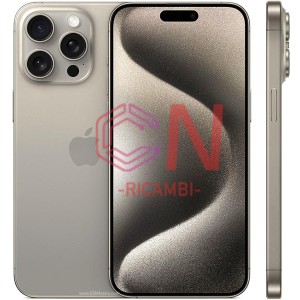 Apple II Phone
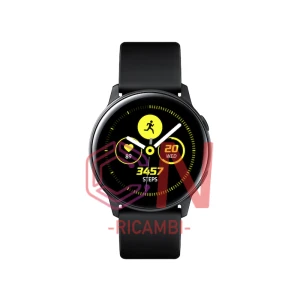 Samsung Watch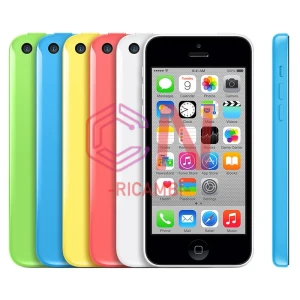





















































-300x300.webp)